StoriesOnBoard MCP
TRUSTED BY

How it works
Feed your agent a PRD, connect it to StoriesOnBoard, and watch it build a structured story map. Sync backlog with Jira, Azure DevOps, or Trello.
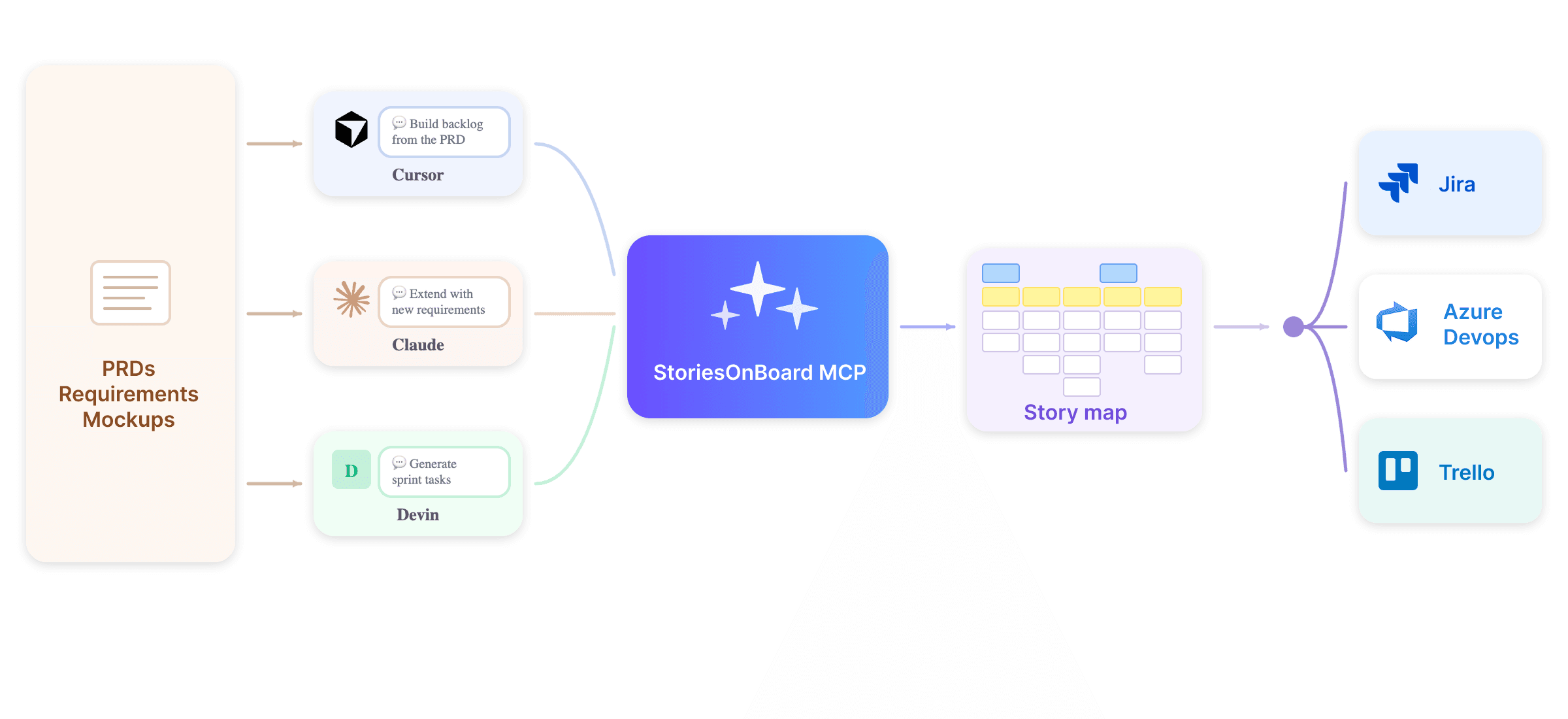
Ask your agent anything
Your AI agent can read, write, and update your story map — here are a few things teams are already doing.
Create

PRD -> story map
"Read this PRD and create a full story map with goals, steps, and 3 user stories per step."
Story map created
4 goals added
18 stories created
Extend
Gap analysis
"Look at the onboarding flow map and identify gaps. Add missing user stories with acceptance criteria."
6 stories added
Acceptance criteria set
Sync
Sprint -> Jira
"Take all stories in the 'v2.0 release' slice and create Jira issues with priority from business value scores."
12 Jira issues created
Priority set
Read
Release summary
"Write a release summary from all 'Done' stories in the current release for stakeholders."
Summary written
Ready to send
Refine
Story format QA
"Rewrite any stories that don't follow 'As a [user], I want...' format. Keep the meaning."
8 stories rewritten
Format consistent
Estimate
Effort scoring
"Suggest effort scores 1–5 for all unestimated stories. Flag any that seem underspecified."
23 stories scored
3 flagged
Why StoriesOnBoard MCP
Your AI agent can read, write, and update your story map — here are a few things teams are already doing.
AI agent without a story map
PRD -> story map
Product context
The agent only sees what the user pastes into the prompt or uploads as a document, so it often misses the bigger product picture.
The agent can understand the product journey through user goals, steps, stories, releases, and related product decisions.
PRD processing
The agent can generate stories from a PRD, but it does not know what already exists in the backlog.
The agent can compare the PRD with the existing story map, avoid duplicates, and identify missing or unclear scope.
User story generation
Stories may sound polished but generic, with little connection to the real product flow.
Stories can be placed under the right goal and step, making them more relevant to the actual user journey.
Gap analysis
The agent can only find gaps in the content it sees, which may be just a small part of the product.
The agent can inspect the full story map and find missing steps, thin areas, uncovered flows, and weak coverage.
Acceptance criteria
Acceptance criteria may be detached from the surrounding flow or miss important edge cases.
Acceptance criteria can be grounded in the parent step, related stories, personas, and product context.
Backlog audit
It is hard for the agent to detect weak stories, duplicates, missing estimates, or readiness issues without seeing the full backlog.
The agent can review stories against backlog quality rules, Definition of Ready, missing ACs, duplicates, priority, and readiness.
Release planning
The agent works from a flat list or pasted scope, so release suggestions may ignore the real user journey.
The agent can use story map structure to suggest MVP slices, release groups, and end-to-end delivery paths.
Stakeholder reporting
Reports depend on manual input and may be based on outdated or incomplete information.
The agent can create progress summaries from live story map, release, and status context.
Build a backlog with AI assistance
StoriesOnBoard AI enables a new level of accuracy and speed in software planning and development.
Buy product
Find product
Examine product
Add to basket
Place order
Browse product categories
See details of product
Add to basket
Pay on delivery
Search for products
Compare products
Pay by credit card
Read reviews
Pay by Paypal
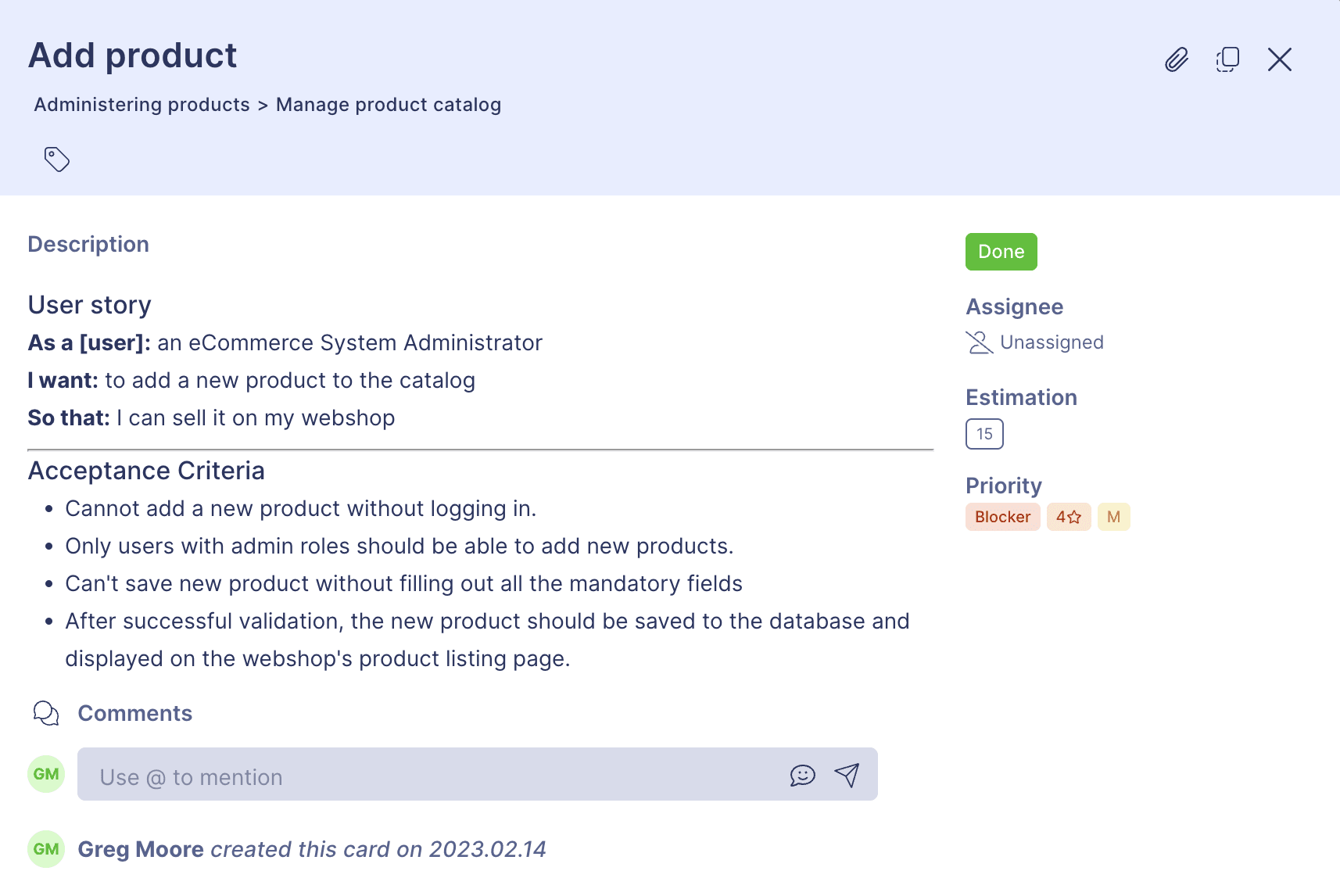
Learn story mapping
with AI
Build an entire story map from just a few details
Understand the essence of the narrative flow, user goals, and user steps
Writing user stories, adoption criteria or release summaries is just a click away with ready-to-use AI recommendations
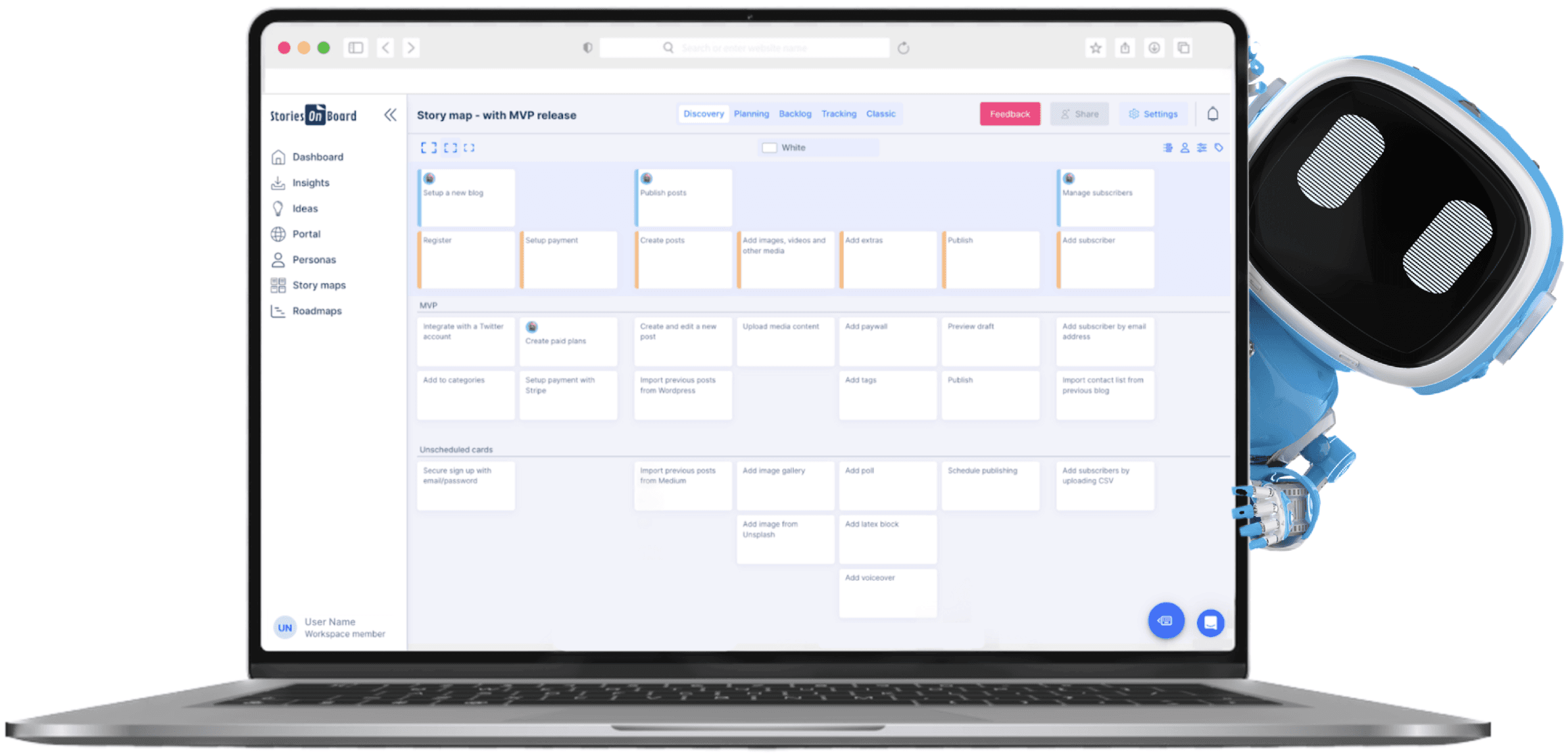
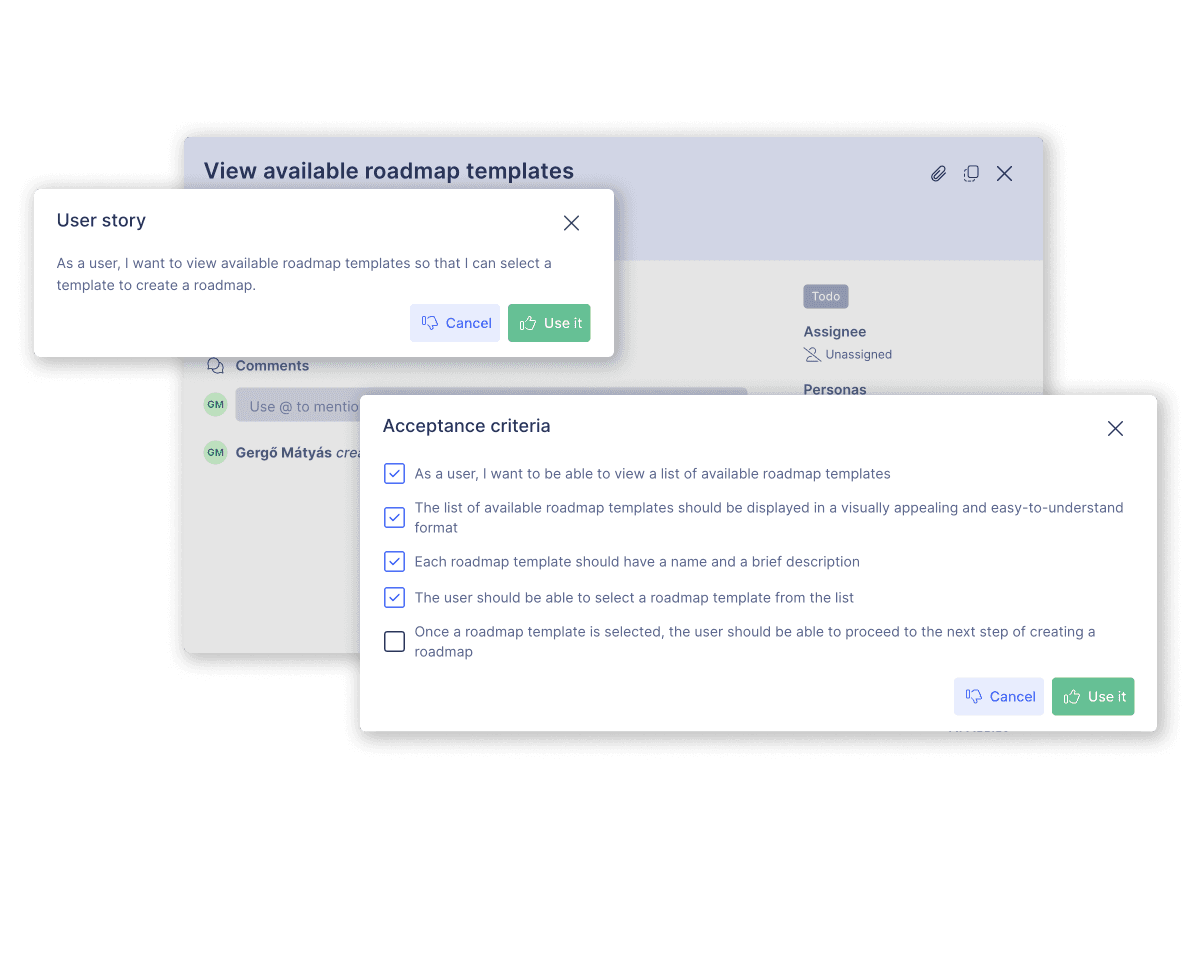
Save time by writing user stories and more with AI
Craft a product backbone with goals, steps, user stories, and acceptance criteria in seconds
Improve ongoing projects by adding new perspectives and filling the gaps
Add acceptance criteria to each user story, and generate release summaries and announcements with a single click
I don't know how to write user stories, or build a user story map
I don't have time to learn a new tool
I need upfront documentation
I send word documents to my client asking for review and approval. How can I work with my client then?
We use Jira (Azure DevOps or other issue tracker) to communicate work with our client
Start small & grow with your project
PERSONAL PLAN
$19
/ month
1 user, 5 guests
1 Product
1 Story Map
1 Roadmap
1 Idea Board +1 Public Portal
Up to 100 insights
Value/Effort, RICE Prioritization
Integrations: Zapier + Slack
Unique product dashboard