The release shipped, the tickets moved to Done, and the story map still describes a mixture of last month’s assumptions and next quarter’s ideas. At the next planning meeting, someone asks whether a capability is available to all users. Nobody can answer from the map.
Update a story map after release by reconciling it with actual user-visible behavior, preserving the delivered journey, recording new evidence, and revising the next slice with named owners. A shipped story and a validated outcome are different facts. Your map should make both understandable.
This guide proposes a practical maintenance routine. The fitness class booking example is fictional and illustrates how a team might apply it.
What a current story map should make clear
A reader should be able to follow the user’s journey, identify which behavior is available, see what is still proposed, and find the evidence behind a changed assumption. A release label alone rarely answers all four questions.
Agree on a small status convention and write it in the map’s legend. For example: available, available to a limited group, proposed, and retired. These are team conventions; use labels, notes, or linked records that your tools support rather than assuming a particular built-in workflow.
Keep outcome evidence separate from delivery status. “Booking confirmation is live” says the behavior exists. “Members can reliably find their reservation” is a claim about their experience and needs evidence of its own.
Who updates the map when research or delivery changes an assumption?
The person who learns something should propose the relevant change; one named map steward keeps the whole map coherent. The steward is often a product owner or product manager. They coordinate review without becoming the only person allowed to contribute.
| Change | Who proposes it | Who checks it |
|---|---|---|
| What actually shipped, including rollout limits | Engineering or delivery lead | Product owner and someone verifying the user-visible behavior |
| A research finding that changes the journey | Researcher, designer, or person who gathered the evidence | Product owner with the relevant design and engineering contributors |
| A support pattern or operational workaround | Support or operations representative | Product owner and the owner of the affected workflow |
| A change to the next release slice | Product owner or product manager | Delivery team and affected stakeholders |
| A label correction or broken link | Any contributor | Map steward checks consistency during regular maintenance |
Decide which edits can be made directly and which require discussion. Correcting a typo should not wait for a planning meeting. Moving a dependency out of a committed release deserves an impact check. Use a proposal note for material changes until the relevant people have reviewed them.
In a small team, one person may hold several of these responsibilities. The important part is that each change has an owner and a visible route to a decision.
A seven-step checklist after each release
1. Save the release baseline
Keep a dated version or export of the map and a link to the release notes. Record which release and user population the baseline represents. If you use a separate change log, link it from the map so people do not need to search for it.
The baseline preserves the decision the team made. It also gives you a way to explain why the current map differs from the plan.
2. Verify the behavior users can actually access
Walk through the delivered slice with someone who can verify the running product. Reconcile the map with release notes, delivery records, and observed behavior. Check limited rollouts, configuration differences, and required manual steps.
For the booking example, a confirmation screen might be live for pilot studios while other studios still use a staff-assisted process. Record that scope. A merged change or closed ticket is not enough to show that every member can use the behavior.
3. Retain the delivered journey
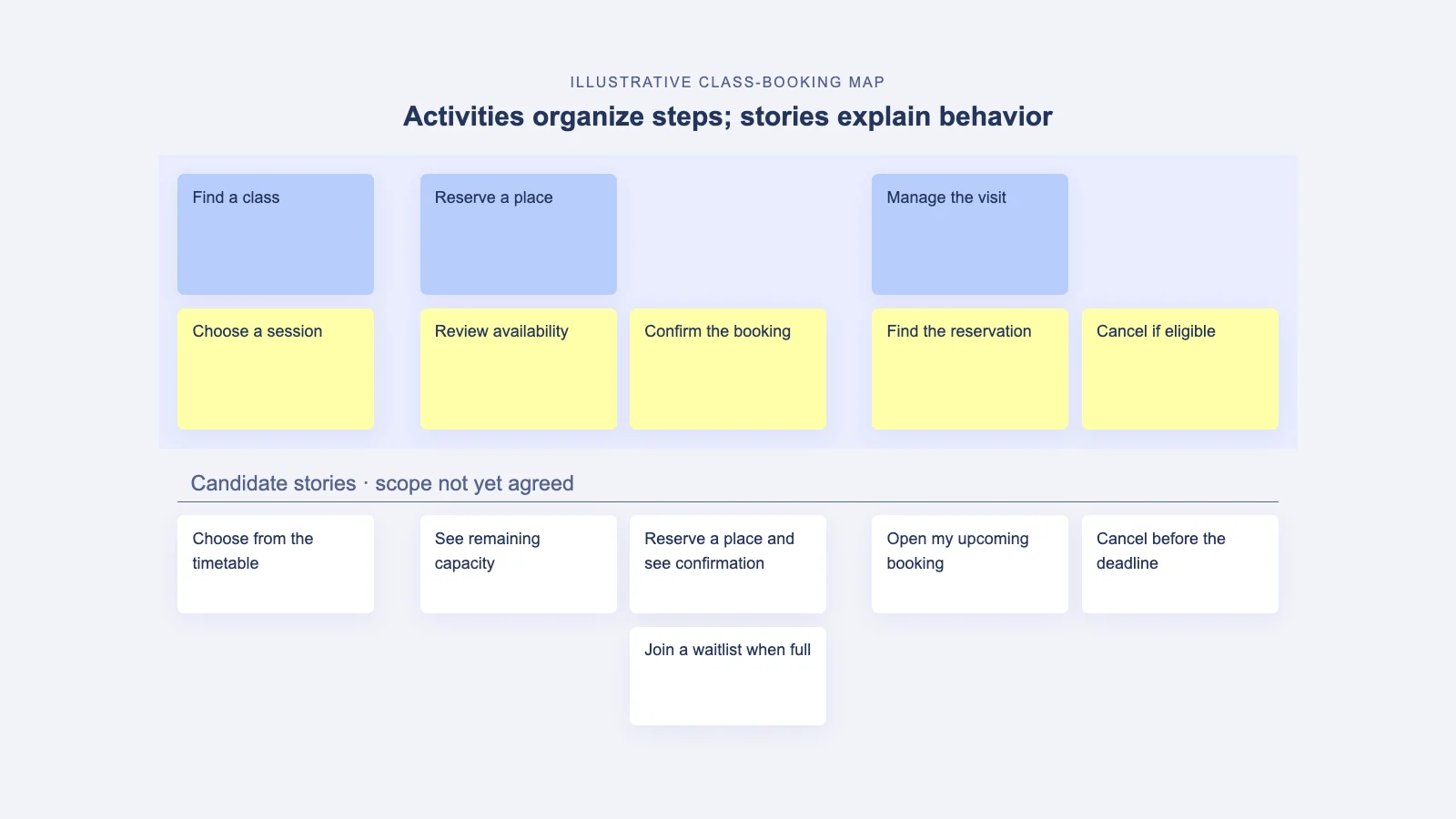
Mark the delivered stories using the agreed convention. Keep enough of them visible that someone can understand the product as it exists. Removing every completed card can leave the next release looking like a disconnected list of enhancements.
When the map gets crowded, move detailed delivery history to a linked archive or use a filtered view if your tool supports it. Preserve the recognizable steps and a route back to the supporting detail. Retired behavior needs a clear label so it is not mistaken for current functionality.
4. Review the assumptions behind the slice
For each important assumption, ask what the release has taught you and what remains unknown. Use support observations, research, product data, or an explicit follow-up test. Avoid treating a successful deployment as proof that the user’s problem is solved.
For example, “Members can retrieve their booking later” may still be uncertain even though the booking screen works. Record the evidence you have and the evidence you need. Do not silently change an untested assumption to a confirmed fact.
5. Attach new evidence to the affected step
Place a concise finding or link beside the relevant step or story. State who was observed, the situation, and the limits of the observation. Separate what happened from the team’s interpretation.
If a research session reveals that a member looks for cancellation instructions in the confirmation email, link the finding to both confirmation and cancellation where useful. Do not copy a large research report into every card. Preserve one source and add the context needed to understand why it matters here.
6. Reconsider the next slice and its dependencies
Use the new evidence to review proposed work. A useful change may be a new story, a revised acceptance criterion, a different sequence, or a research task before implementation. Record why the choice changed.
Check the effect across the journey. Adding a cancellation action may affect booking state, available capacity, confirmation messages, and support procedures. Link those dependencies rather than treating the new card as an isolated feature.
7. Assign the next review
Name an owner for each open question and agree when it will be checked again. Share a short update with the people whose plans changed. Include a link to the current map and the decision record, not just an image with no context.
A useful completion test is simple: a teammate who missed the release review can explain what is available, what changed in the plan, and what the team still needs to learn.
A worked example: a released flow reveals a missing connection
Imagine the fictional booking team has released self-service reservations. In a follow-up usability session, a member can make a booking but cannot find how to cancel it. This is an illustrative observation, not a measured result from a real product.
The team should not immediately rewrite the entire backbone. The goal and broad activities still make sense. Instead, it can record the observation under “Manage the visit,” inspect the connection from confirmation to the reservation, and decide what needs validation.
| Affected step | Find the reservation and cancel it when eligible. |
|---|---|
| Observation | In the example session, the member looked in the confirmation email and could not locate cancellation instructions. |
| Interpretation | The route from confirmation to managing a booking may be unclear. One session does not establish how common the problem is. |
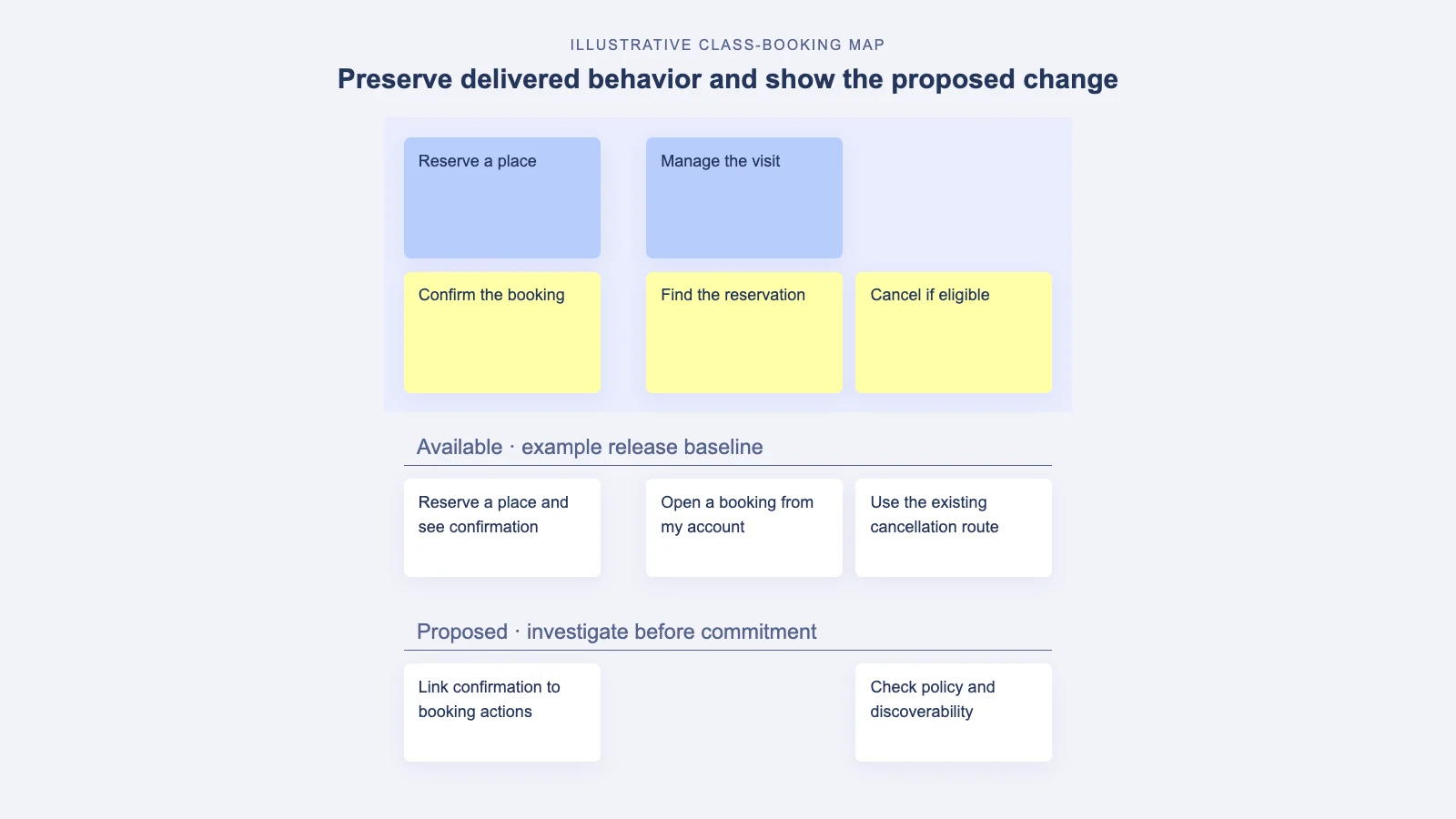
| Proposed map change | Add a candidate story connecting confirmation to the booking’s available actions. |
| Check before commitment | Review existing behavior and policy with engineering; test the proposed route with relevant members. |
| Owners | Designer investigates the route; engineering verifies behavior; product owner reviews scope. |
| Next review | The next evidence review, with a specific date recorded by the team. |
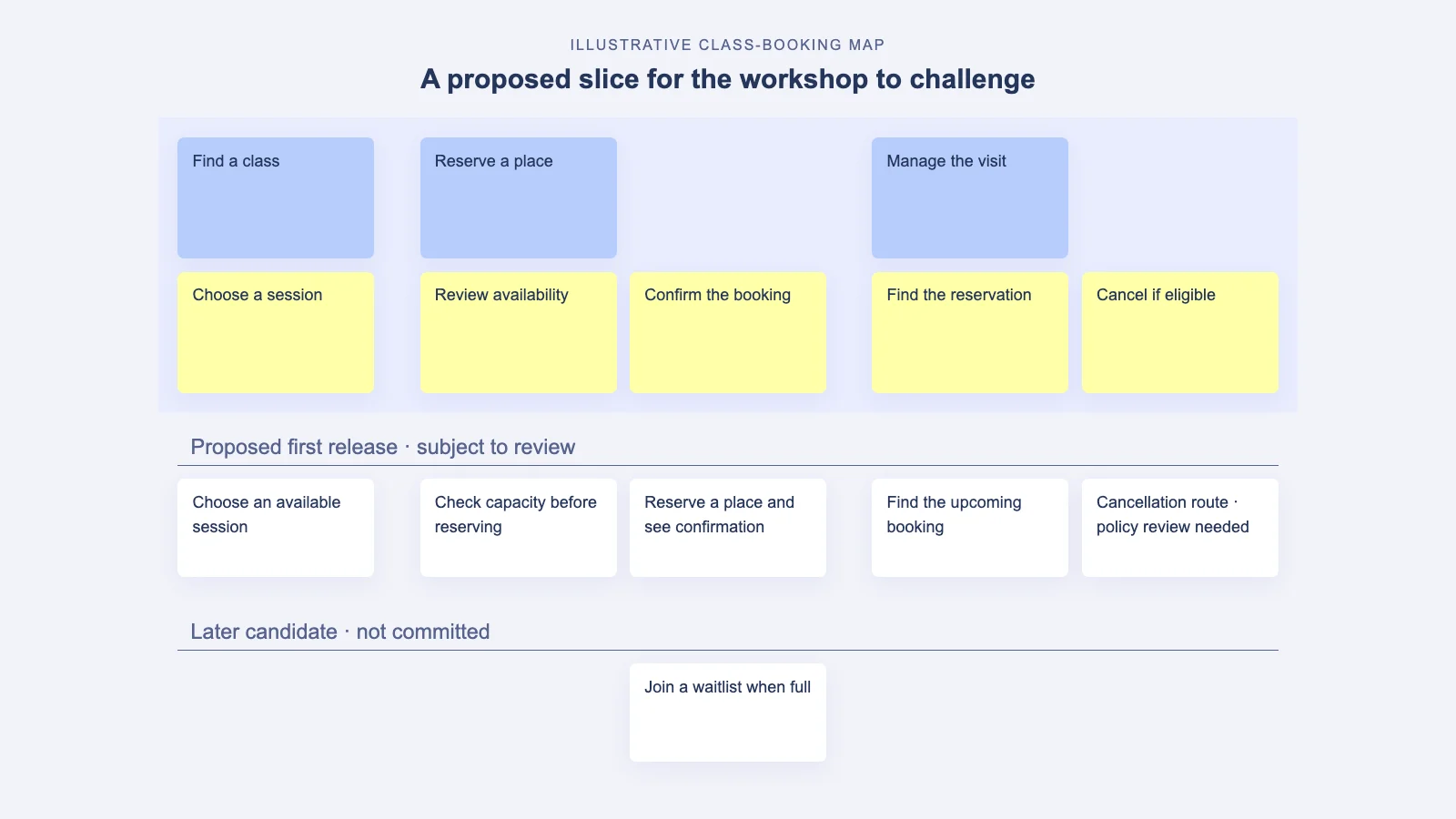
In the same fictional journey, the map can retain the delivered booking flow and put the proposed connection in a separate lane. The existing cancellation route may work technically while remaining hard to discover.
This record preserves the observation, makes the uncertainty visible, and identifies a decision. It is more useful than a card that simply says “Improve cancellation.”
Use an event trigger and a short review cadence
Update the map when something material changes: a release, a research finding, a policy decision, a retired capability, or a dependency that changes the plan. Do not wait for a monthly cleanup to record a change that affects tomorrow’s work.
As a starting routine, reconcile the delivered slice within two working days of release and hold a short weekly evidence review while the next slice is active. Adjust that cadence to your release frequency and the rate of new information.
A 30-minute review can use five minutes to verify delivery changes, seven to inspect new evidence, ten to discuss scope, five to check dependencies, and three to confirm owners and dates. Send evidence beforehand so the meeting can focus on decisions.
Mistakes that make a living map unreliable
- Deleting completed work: the remaining map no longer explains the product’s current journey.
- Marking a hypothesis as validated because it shipped: delivery status replaces evidence about user outcomes.
- Changing scope without a reason: the next reader cannot reconstruct the decision.
- Copying every delivery detail into the map: maintenance becomes duplicate administration instead of product thinking.
- Leaving ownership implicit: each function expects someone else to update the shared view.
Keep the map focused on the user journey and product choices. Use links to connect the detail that already has a reliable home elsewhere.
Questions about keeping a story map current
What if research contradicts something we already built?
Keep the delivered behavior visible and add the contradictory evidence. Review whether the right response is a usability change, a different workflow, more research, or retirement. Preserve both the current state and the proposed change until the decision is made.
Should we rebuild the map after every release?
No. Update the affected stories and steps. Revisit the backbone when the user, goal, or journey changes materially. Frequent full redraws can erase the continuity the map is meant to provide.
Should the map duplicate Jira or Azure DevOps?
Agree which system owns delivery status and detailed implementation work. Keep the map’s user context and release decisions current, and link the records. Verify your integration’s actual behavior before relying on automatic updates.
For broader context, read about story mapping for an existing product and the map’s role across the product lifecycle. If the team needs to rebuild shared understanding, run the two-hour remote workshop around the journey that changed.
Explore StoriesOnBoard to keep the user journey visible, and make ownership of its updates part of your team’s working agreement.