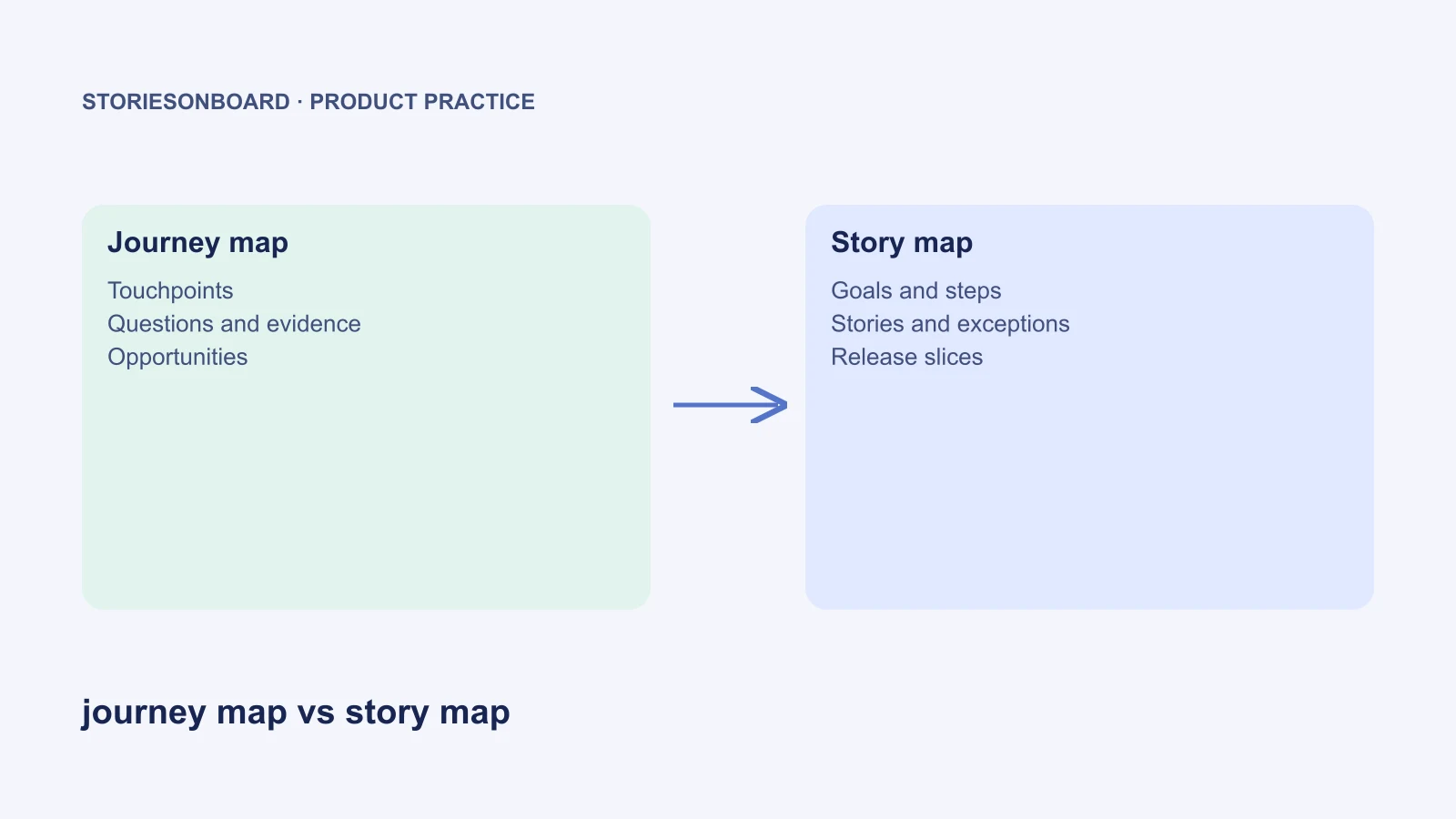
A journey map helps a team understand what a person experiences while pursuing a goal. A story map helps a team organize the product capabilities needed to support that goal and decide what to deliver together. Use the journey map to investigate the experience; use the story map to shape and slice the work.
The two views can describe the same user journey without being interchangeable. A painful moment in an experience is evidence to investigate, not automatically a backlog item. A well-organized backlog is a delivery plan, not proof that users feel confident or succeed.
To make the distinction concrete, this guide follows a fictional new team member joining a B2B workspace. The scenario and research notes are illustrative, not findings from an actual customer study.
Compare the questions each map answers
| Dimension | Journey map | Story map |
|---|---|---|
| Main question | What happens to this person as they try to reach their goal? | What product behavior supports the journey, and what belongs in a coherent release? |
| Typical inputs | Observation, interviews, support evidence, channels, and existing behavior. | User goals, task sequence, requirements, constraints, and candidate solutions. |
| Horizontal structure | Phases or moments across the experience. | Goals and steps in the narrative flow of use. |
| Other dimensions | Actions, questions, feelings, touchpoints, pain, and opportunities. | Stories, alternatives, exceptions, and release slices under the relevant steps. |
| Typical decision | Where should we investigate or improve the experience? | What is the smallest coherent scope that serves the chosen user goal? |
| Failure mode | Inventing emotions or presenting assumptions as research. | Arranging feature cards without a user journey or a meaningful release boundary. |
NN/g's journey mapping guidance centers the actor, scenario, phases, actions, mindsets, and opportunities. Jeff Patton's story mapping reference describes a narrative backbone with details and release slices beneath it. Those foundations explain why the views complement each other.
Use the same onboarding scenario in both views
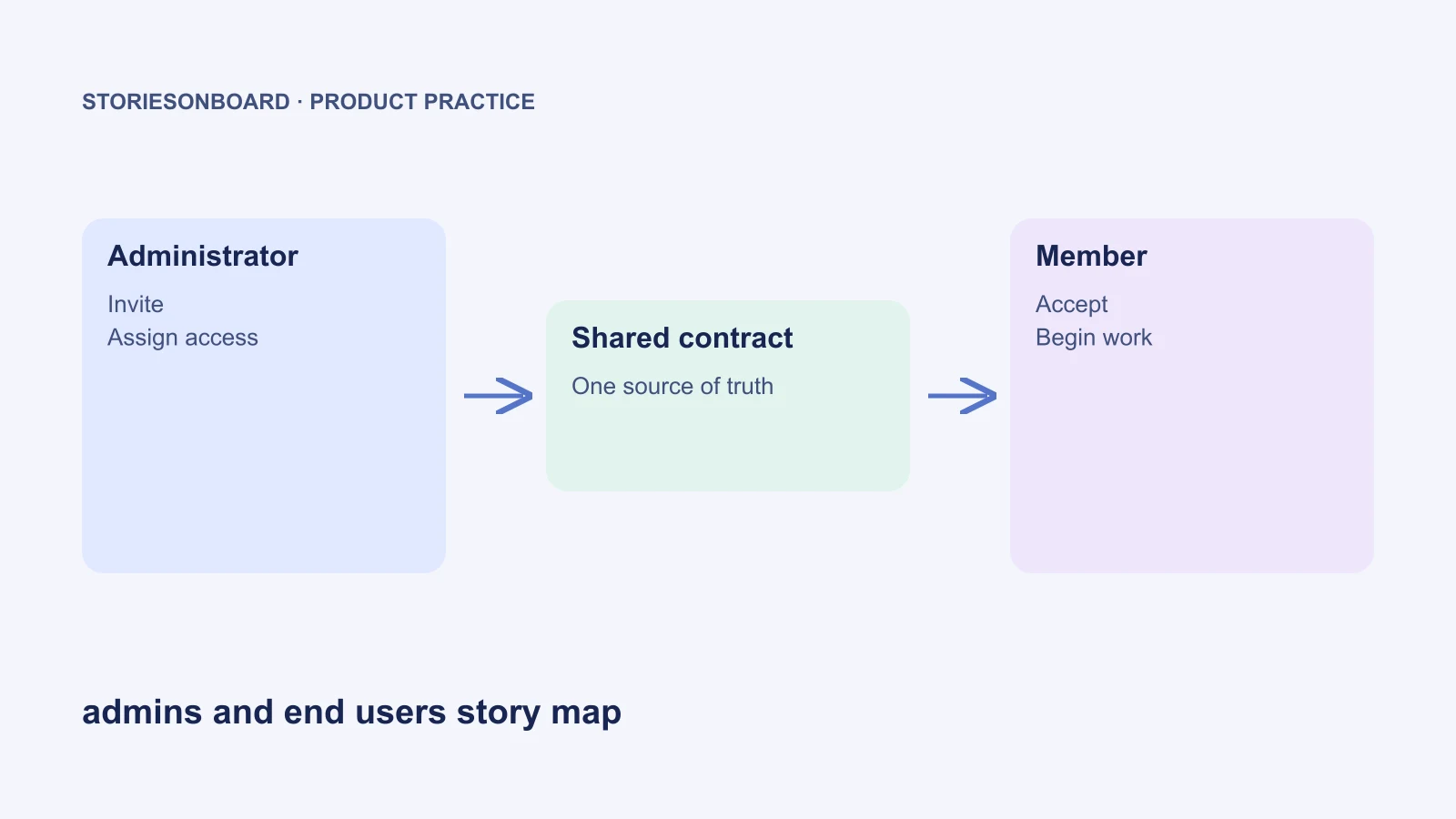
The actor is Alex, a newly invited analyst. Alex wants to enter the correct workspace, understand their access, and complete a first useful action. The journey begins before the product screen: a colleague says an invitation is coming. It continues through an email, the browser, and the workspace itself.
Use the same scope for the comparison. Do not make the journey map about a six-month buying process while the story map covers one invitation form, then conclude that one is more detailed. Here both views concern joining a workspace and becoming ready to contribute.
The illustrative evidence notes are J01, uncertainty about which invitation is current; J02, difficulty recovering from an expired link; and J03, uncertainty about what Viewer access permits. In real work, each note would point to an authorized interview, observation, or support record.
View 1: understand the experience
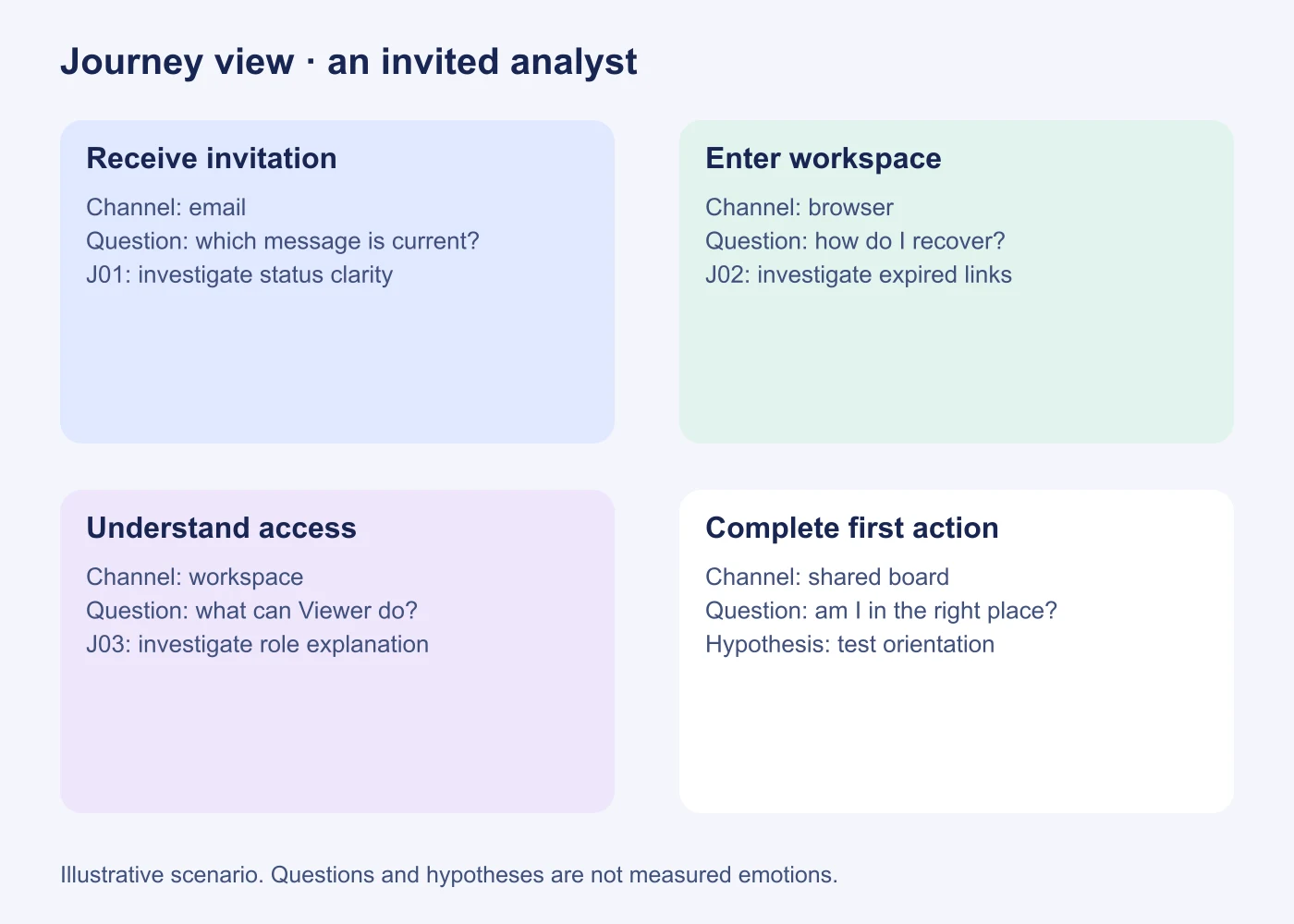
| Phase | Touchpoint and action | Question or feeling to investigate | Evidence and opportunity |
|---|---|---|---|
| Receive invitation | Email: Alex finds two invitation messages. | “Which one should I use?” Possible uncertainty; validate rather than assume. | J01: investigate whether status and recency are clear. |
| Enter workspace | Browser: the older link is expired. | “Can I recover without asking my colleague again?” | J02: investigate a visible recovery route. |
| Understand access | Workspace: Alex enters with Viewer access. | “What am I allowed to do?” | J03: investigate role explanation at entry. |
| Complete first action | Workspace: Alex opens the intended shared board. | “Am I in the right place?” | Hypothesis: a clear destination may reduce orientation effort; research needed. |
The last row is explicitly a hypothesis. A clean visual should not make untested assumptions look equivalent to observed evidence. Likewise, a feeling line is useful only when the team can explain where its values came from; it should not be decorative sentiment invented during the workshop.
This map suggests questions for discovery. It does not yet decide whether recovery should use a self-service request, a replacement email, or a support interaction. That choice requires product and technical constraints as well as user evidence.
View 2: organize a coherent delivery slice
Suppose the team agrees a first-release scope: identify the invitation, handle the documented expiry path, explain the assigned role, and open the intended board. The story map organizes that decision as Goal → Step → Story. Each story sits beneath the user step it supports.
The first slice supports the whole chosen journey. It does not deliver every possible invitation enhancement. A later slice can add multiple-workspace switching and richer orientation once the basic path works. Recovery stays in the first slice here because an expired link would otherwise break the selected onboarding scenario; this is a scenario decision, not a rule that every exception belongs in every MVP.
Notice what the story map does not show well: the colleague's message before the email, Alex's uncertainty, or the research confidence behind J01. Those remain in the journey evidence. Stories can link back to that evidence without turning the delivery map into a research repository.
Translate an opportunity into work without losing the reasoning
Take J02, the expired-link problem. Record the observed behavior and its consequence before proposing a solution. Then define the desired outcome: an invited person can understand that the link is unusable and find the agreed recovery route.
The resulting story might be “Request replacement invitation.” Its description should identify the actor, intended outcome, agreed recovery behavior, and link to J02. Acceptance criteria should describe what happens with an expired link and what the user sees afterward. Unresolved rules—such as expiry duration—remain questions until decided.
A traceability record can be short: J02 → onboarding opportunity O2 → story S4 → release R1 → recovery test T7. This lets a reviewer move from the planned work back to the reason it exists. It also helps the team revisit the solution if later research contradicts the original assumption.
Do not copy every pain point into a story card. Some opportunities call for a clearer email, a support process, or more research. Others are outside the current product strategy. Record that decision so a later gap review does not silently reintroduce intentionally excluded work.
Decide when you need one map or both
Use a journey map first when the team does not understand where people struggle, when the experience crosses several channels, or when stakeholders disagree about the user's situation. Use a story map when the goal is sufficiently understood and the team needs to organize behavior, reveal missing steps, or slice a release.
Use both when discovery evidence must guide delivery decisions across a meaningful journey. Keep them linked by stable evidence and story references, and name owners for updating each view. The journey view changes when understanding changes; the delivery view changes when scope and implementation plans change.
You may not need a formal journey map for a small, well-understood interaction. A short evidence note and a focused story map can be enough. Conversely, an early discovery study may need no delivery map yet. The artifact should answer the current decision, not satisfy a workshop checklist.
For a multi-role experience, avoid blending different people's feelings into one unexplained line. Follow one actor's viewpoint in the journey map or make the perspectives explicit. A delivery story map can show coordinated behavior across roles when that helps plan the shared outcome.
Keep the two views useful after the workshop
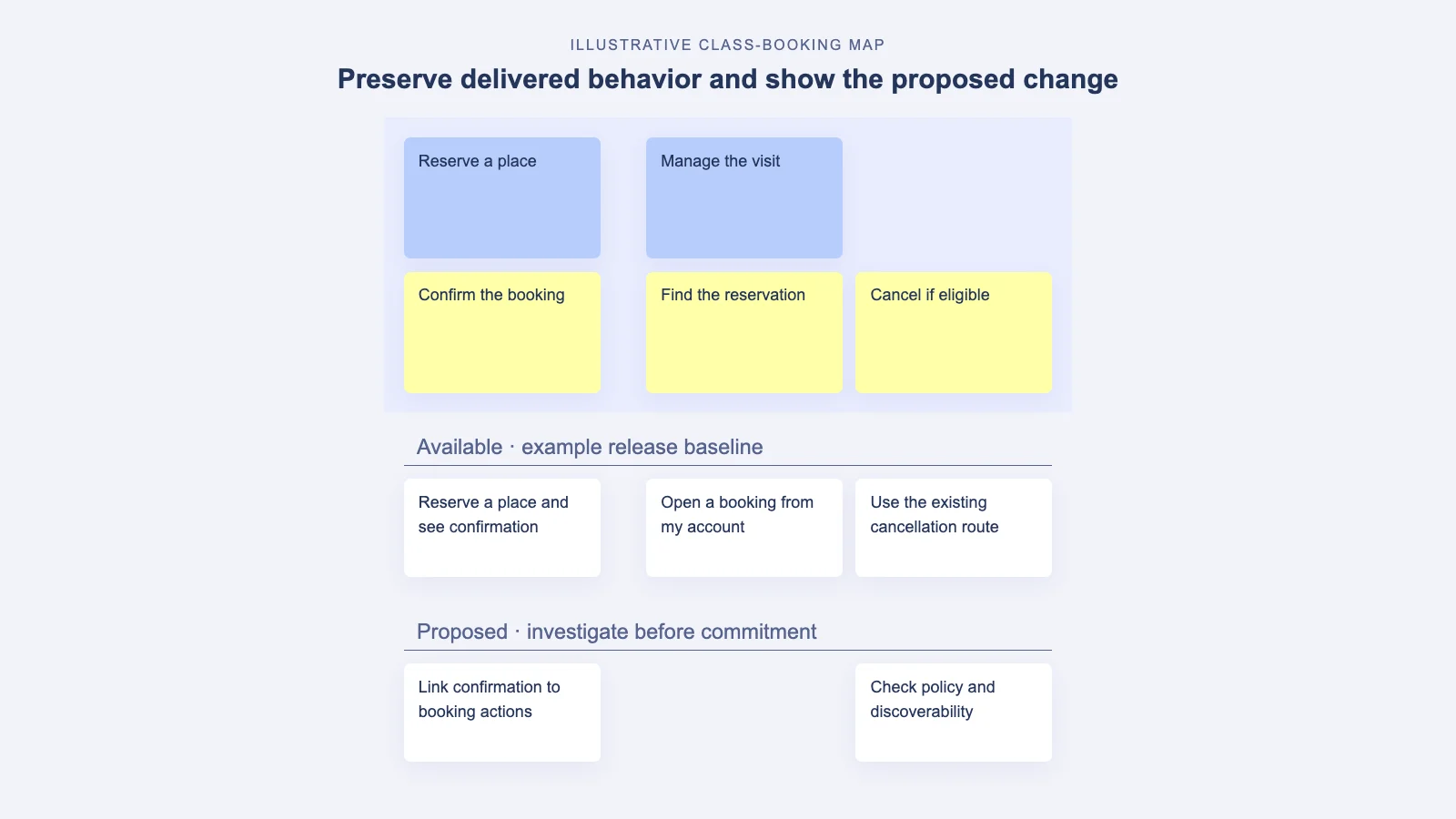
At release review, compare the delivered slice with the intended outcome, then check the real experience again. Shipping the recovery story does not prove that people can find or understand it. A journey map should reflect new observation; a story map should reflect what was delivered and what remains.
If the team already has a backlog, do not rebuild it just to create a visually tidy diagram. Start with one journey, connect the relevant existing stories, and expose missing decisions. Our guide to activities and tasks in a story map helps keep the hierarchy consistent.
Choose one journey for your next planning conversation. Put the experience evidence beside the delivery slice and ask two separate questions: “Do we understand the person's problem?” and “Does this release support the agreed path?” Keeping both answers visible is the value of using the two maps together.