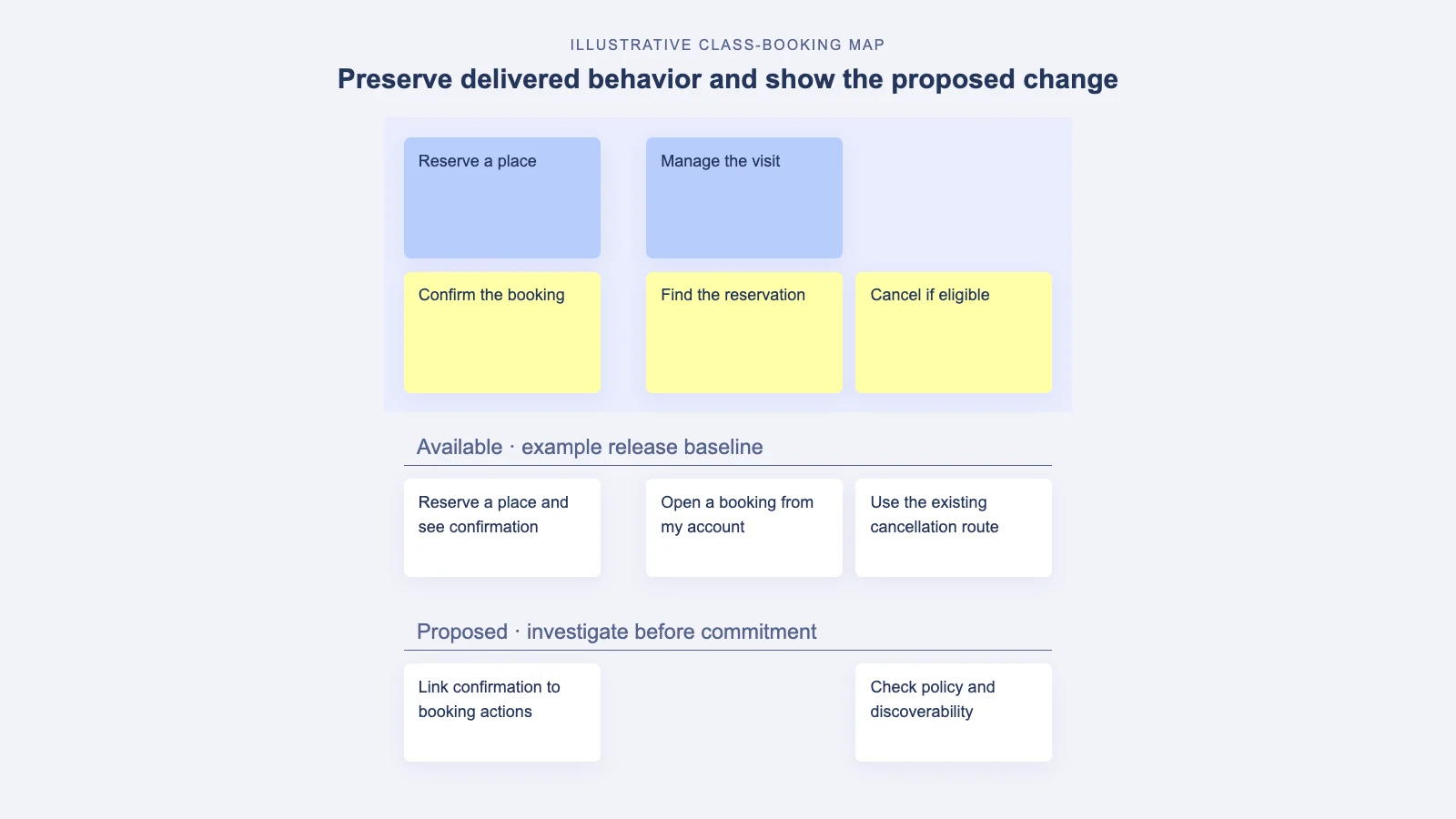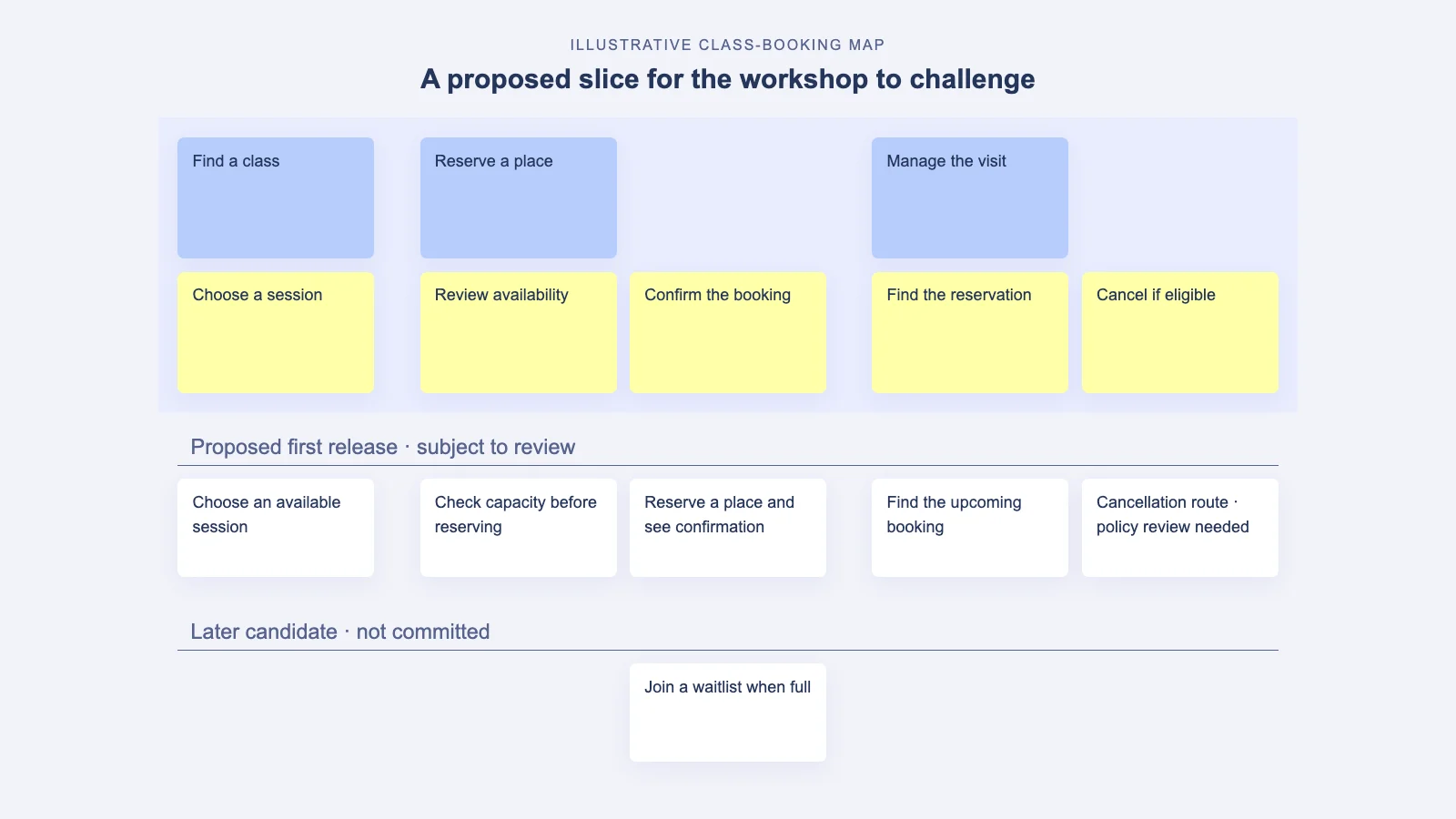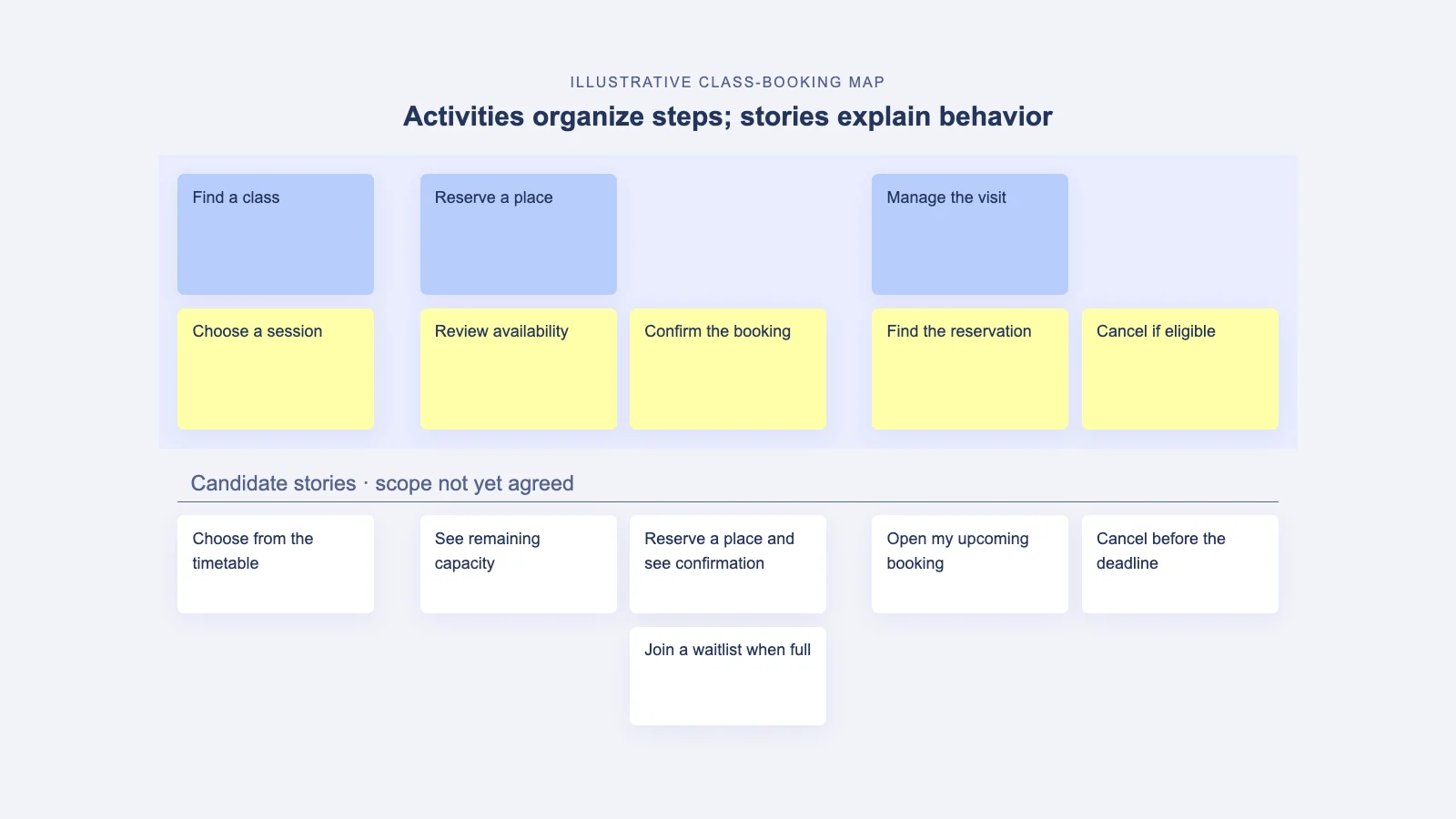

Story mapping is an extremely powerful framework for planning a new product or new features for an existing one, but there are some major story mapping pitfalls you need to be aware of.
It helps teams understand user needs, prioritize the right ideas, and collaborate more effectively. However, newcomers to agile frameworks often run into several pitfalls that can undermine the process and deliver sub-par results.
In this post, we run through the most common story mapping mistakes when writing user story maps. Plus we’ll share tips and tricks to help you avoid them too. By the end, you’ll have the knowledge you need to make sure your next agile history map is right. This will ensure that you and your team achieve the fantastic results you want.
Sounds good? Let’s jump in.
Contents
Story Mapping Pitfalls #1
Not Having an Accurate Picture of the End-user
Few things will wreak havoc on your agile story maps like not knowing who you’re creating them for. After all, how can you expect to solve a user’s problems if you don’t understand how they think, feel, and act?
So, before you begin, create a persona for each user you’ll be using. This is especially important if your product will have multiple types of users – such as customers and admins.
Because creating and visualizing solid personas gives your team a better idea about the motivations, needs, and wants of the end-users. And that translates into more meaningful user stories.
Story Mapping Pitfalls #2
Having Unclear Acceptance Criteria
While you don’t want to eradicate your team’s creative liberty, it’s important to have a clear idea about what the end product needs to have implemented.
Without acceptance criteria, you risk being unable to determine when the project is over or even if it’s what the client is looking for. This can lead to unnecessary delays and extra work.
So, before you start, draw on your user stories to develop a final set of criteria that your team is happy with.
Don’t be afraid to get your customer’s input too to be certain your chosen criteria contain the things users will need from the product.
Doing this establishes a clear goal (criteria) to shoot for and a roadmap (user stories) to get there.

Understanding Acceptance Criteria: Examples and Best Practices
In this article, we use real-life acceptance criteria examples and good practices to show how to write acceptance criteria, and how they can be used effectively and flexibly to ensure …
Story Mapping Pitfalls #3
Getting Into the Details
Once you start putting your story map together it’s easy to let your brain go wild – scenarios appear out of the blue, stories start to wind around each other, sub-plots emerge and potential complications rear their heads.
Sure, it’s a creative and collaborative experience. But it can also be a one-way ticket to a mind-melt city. Because as more and more stories bubble up from the depths of your consciousness, it’s worryingly easy to lose sight of your original product vision.
So, begin the big picture and work your way down to a level of granularity without losing sight of your linear story. It’s fine art to stay creative without letting your imagination get better. But with time and experience, you’ll learn to catch yourself before you disappear down the rabbit hole.
Story Mapping Pitfalls #4
Creating Story Maps On Your Own
When you build a story map on your own, your ideas can quickly go rogue and take you to a place far away from where you intended to go.
That’s why story mapping in pairs (or groups) is a much more productive endeavor. Not only will your fellow story mapper keep you focused on the big picture, but telling a story out loud makes it easier to prove its viability.
Another set of ears makes deciding if a story is rational, valid, and integral to the product roadmap much simpler.
Story Mapping Pitfalls #5
Focusing On Product Features Instead of the User’s Needs
Folks new to writing story maps often fall into the trap of describing features they want, as opposed to satisfying a user’s needs. This story mapping pitfall creates a user story that reads like a grocery list.
To avoid getting too technical. You don’t need to double-check that the benefit to the end-user is a real benefit – against a technical feature you expect the development team to deliver.
Story Mapping Pitfalls #6
Writing a User Story That’s Too Broad
Another common story mapping mistake is creating user stories that are too vague. This is a problem because you need your story map to operate at a level of detail that allows your development team to estimate the work involved in building functionality to support the story.
Instead, think of your big ideas like rocks. Then imagine story mapping is a hammer. Stick your ideas into a cloth sack and use your hammer to smash those broad ideas into smaller pieces.
But don’t throw away the rocks and scrap your big idea. Instead, consider breaking it down into several stories, allowing everyone to better understand each aspect.
As a rough guide, a story is the right size when it fulfills a user’s needs, while at the same time, it will only take a few days to build and test.
Story Mapping Pitfalls #7
Limiting Yourself to Physical Story Maps
Many great products were built using Post-it notes and a Sharpie pen. But physical story maps also come with a couple of headaches – sticky notes fall off the wall, cleaners unknowingly obliterate whiteboard ideas, and releases get shipped before the latest update has been posted.
Plus, in the current climate, story maps built in a fixed physical location are less than ideal because they can’t be shared and used remotely.
Using a digital story mapping tool like StoriesOnBoard allows you to build story maps that can be shared and updated no matter where you are in the world. And the best part? It seamlessly integrates with your current collaboration stack to make sure you never miss a beat and avoid story-mapping pitfalls efficiently
Story Mapping Pitfalls #8
Forgetting That Your Story Map Is a Means to an End
As Jeff Patton explains in his awesome book ‘User Story Mapping’:
“The goal of using stories isn’t to write better stories. The goal of product development isn’t to make better products…the real goal is to change the world”.
In other words, story maps don’t directly improve the lives of your users. But what they can do is shift your team from a mindset of ‘shared requirements’ to one of ‘shared understanding’.
So, instead of losing the forest for the trees and getting bogged down by the process of creating a story map, remember your story map’s initial purpose:
To help you and your team have better conversations, more clearly understand your users, and ultimately stand a greater chance of building products that change the world.
Make Your Story Map Outcome-Driven with Data and Experiments
Prioritizing cards is only half the job. Modern discovery makes the map outcome-driven: link every activity, epic, and story to a measurable result (an OKR or North Star Metric) and define the signals you expect to move before work begins. Instrument events so progress is visible, not guessed.
Close the loop by pairing qualitative input (interviews, support tickets, NPS verbatims) with product analytics (funnels, cohorts, session replays). Review the evidence on a regular cadence and evolve the map based on what users actually do—not what you hoped they would. Learn more about outcome thinking with the North Star Metric and opportunity solution trees.
- Add a one-line hypothesis to each story: “We believe [change] will move [metric] for [segment]; we’ll know it’s true when [signal/threshold].”
- Tag stories with their target OKR/metric and expected impact (High/Medium/Low) to guide slicing and releases.
- Ship thin slices behind feature flags and run A/B tests to validate before scaling.
- Link stories to opportunities in an opportunity solution tree to keep discovery and delivery connected.
- Hold a monthly evidence review to promote, pivot, or retire stories based on data.
Summary
If you’re new to creating user story maps, making mistakes is part of the learning curve.
As anyone who’s ever created a great story map knows, it takes time, effort, and persistence to become skilled in story mapping.
But by knowing what to look for, and what to do when you get stuck, you’ll find yourself in a much better position to create effective user story maps in no time.
Oh, and if the fear of messing things up is keeping you from starting, just call to mind the words of the great Salvador Dali:
“Have no fear of perfection – you’ll never reach it anyway.”
Story Mapping FAQ: Avoid Common Pitfalls
What is a user story map and when should I use it?
A user story map shows the end-to-end journey, organizing activities, steps, and stories to plan value delivery. Use it to align the team on new products or features, prioritize an MVP, and coordinate releases.
How do I ensure an accurate picture of the end-user?
Build and validate personas with real research and customer feedback. If you serve multiple user types (e.g., customers and admins), model each one to capture distinct needs and behaviors.
What makes good acceptance criteria?
Make them clear, testable, and tied to user value—not implementation details. Co-create them with stakeholders so the team knows when a story is done and meets expectations.
How detailed should my story map be?
Start with the big picture, then add detail as needed for estimation and planning. Don’t dive down rabbit holes—keep the linear narrative and include only specifics that inform decisions.
Who should participate in story mapping sessions?
Bring a cross-functional group: product, design, engineering, and customer-facing roles. Mapping in pairs or small groups sharpens focus, validates logic, and reduces blind spots.
How do I keep focus on user needs instead of features?
Frame stories around user problems and outcomes, not technical solutions. For each proposed feature, state the user benefit and validate it with customer input.
How do I split a story that’s too broad?
Split it by workflow steps, user scenarios, data variations, or level of risk. Aim for slices that deliver a clear user benefit and can be built and tested in a few days.
Should we use physical boards or digital tools?
Physical boards work well for workshops but are fragile and hard to share. Digital tools like StoriesOnBoard enable remote collaboration, quick updates, and integrations with your stack.
How do we keep the map a means to an end, not the end itself?
Use the map to drive conversations, prioritization, and release planning. Measure success by user outcomes and team understanding, not by how elegant the map looks.
How often should we update the story map?
Revisit it after user research, key discoveries, and each release-planning cycle. Treat it as a living artifact that reflects current understanding and priorities.