
On paper, everything made sense. You ran discovery interviews, captured user needs, mapped the use cases, and wrote down what looked like rock-solid requirements. Everyone nodded. Then you showed the first version—maybe a clickable mockup, maybe a thin alpha—and the ground moved. The stakeholder realized their mental model didn’t match reality, or new edge cases popped up, or the user flow felt different when it was concrete. Suddenly, what sounded clear turned out to be only directionally correct.
That gap between idea and artifact is normal. Reacting to a concept is abstract; reacting to a real thing introduces specificity, emotion, and trade-offs. The trick isn’t to banish uncertainty; it’s to set up a system that turns uncertain requirements into validated knowledge quickly, without letting the project become a moving target. In this article, we’ll explore how to do exactly that, using story mapping, lightweight delivery loops, and collaborative guardrails you can run directly in StoriesOnBoard.
Signs your requirements are still assumptions
- Requirements rely on phrases like “usually,” “should be easy,” or “we think users will.” These are flags for untested beliefs.
- The acceptance criteria read like a wish list, not a testable checklist. If you can’t tell a pass from a fail, you don’t have a requirement—you have a hope.
- Stakeholders offer solutions (“Add a wizard”) but struggle to articulate the underlying problem (“Users feel lost deciding between three paths”).
- Alternative flows are thin. You’ve sketched the happy path but left “what if” scenarios as hand-waves.
- Dependencies are hazy. If you can’t see how one user step unlocks the next, your map is a set of islands, not a path.
- There’s no shared source of truth. Different docs, different owners, different versions—alignment decays in the gaps.
Why “clear requirements” unravel after the first version
Human cognition is wired to fill gaps in vague descriptions with personal context. You say “export reports,” and one stakeholder imagines a CSV; another expects a polished PDF with charts and branding. The first artifact forces those mental pictures to collide. Reality also reveals hidden constraints—load times, navigation friction, copy clarity, permissions—that simply don’t show up in a bullet list. This is why teams feel blindsided even when they “captured everything.” They didn’t—because no one can.
Instead of fighting this, design your process to expose those disconnects earlier and cheaper. That means stepping away from all-or-nothing sign-offs and toward small, reviewable increments, framed as provisional until validated. You still need direction and scope, but you also need mechanisms to negotiate trade-offs in the open. The most reliable mechanism I’ve found: a visible user story map that becomes the heartbeat of collaboration, surrounded by short cycles that turn assumptions into evidence.
A minimal-first delivery loop you can trust
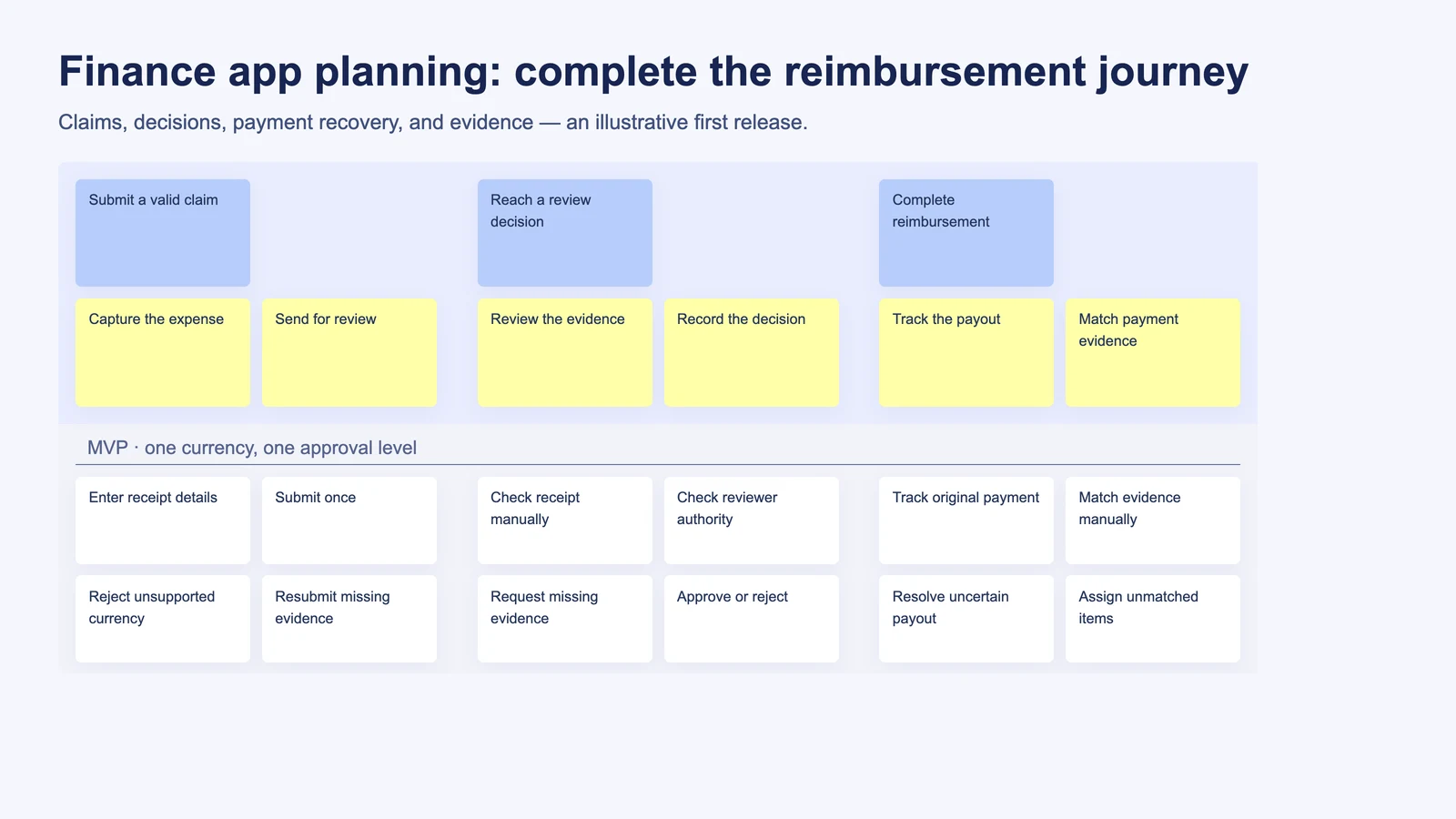
- Map the narrative. Visualize user goals, steps, and stories to see the end-to-end flow before you rush into tickets.
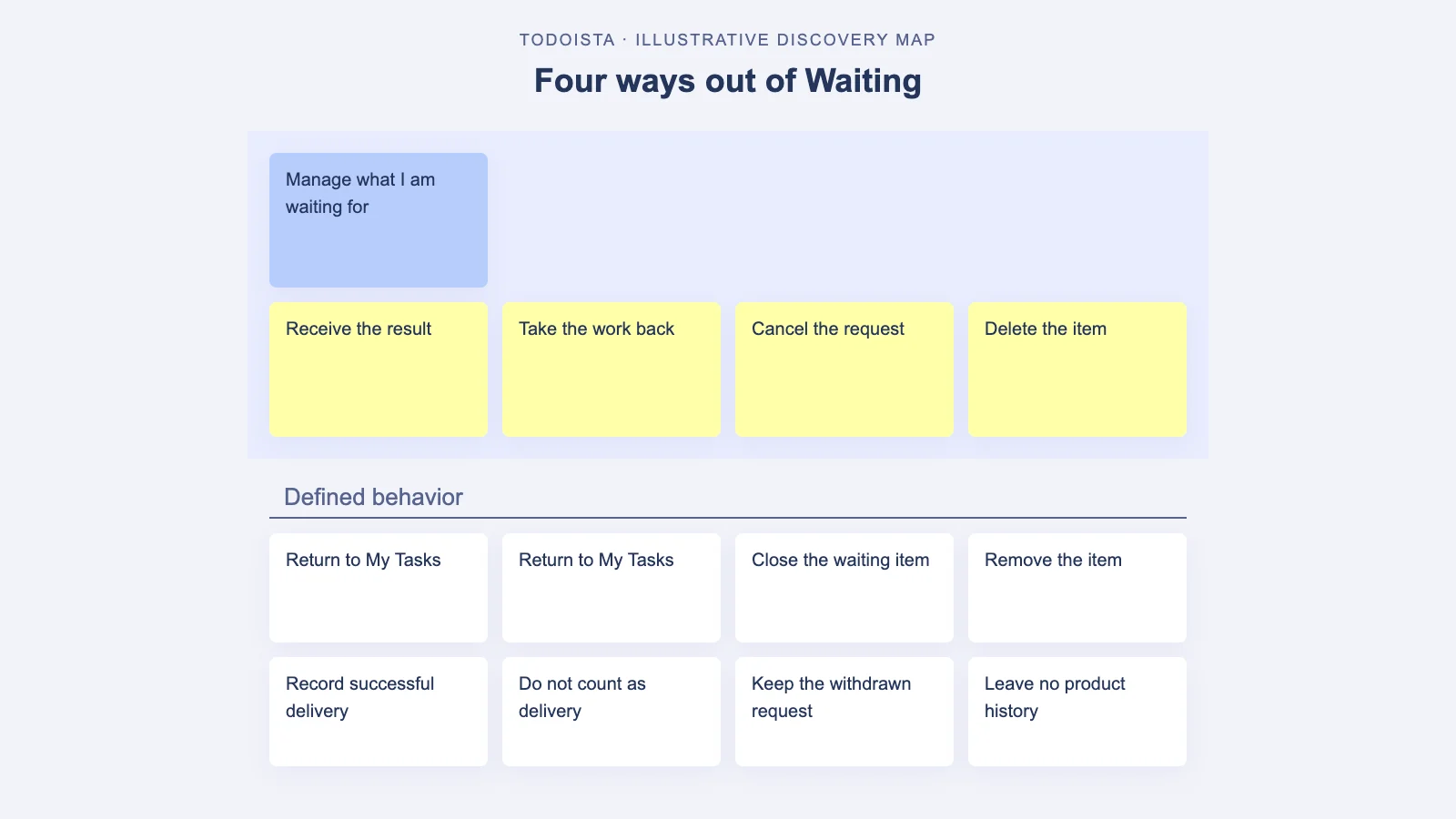
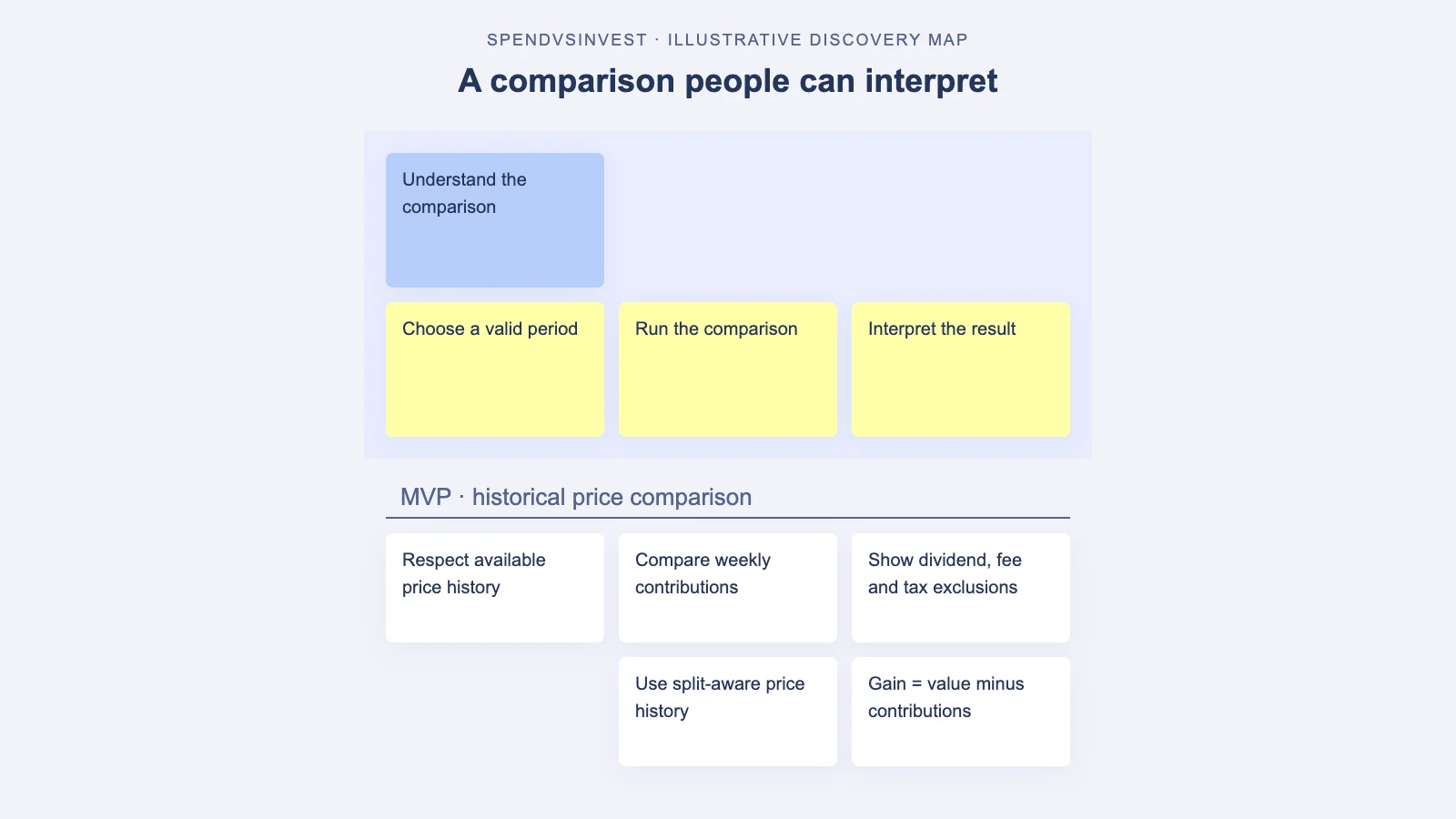
- Slice a walking skeleton. Select a thin, coherent vertical slice that demonstrates value without polishing the edges.
- Write provisional acceptance criteria. Document what “good enough to learn” looks like. State open questions explicitly.
- Deliver fast, review faster. Put the slice in front of stakeholders or a proxy user group before it feels finished.
- Capture insights as changes to the map. Don’t hide learnings in chat threads; fold them into the shared structure.
- Rinse and repeat. Each iteration either confirms or refines the map, shrinking uncertainty and aligning scope.
Using story mapping in StoriesOnBoard to derisk requirements
Story mapping shines because it mirrors how people think about value: from a user’s goal down to the smallest step. In StoriesOnBoard, you organize work into a hierarchy—activities or goals at the top, steps underneath, and then granular user stories. This lets you see the entire narrative in one place, spot gaps, and slice a realistic MVP without losing the big picture. Live presence indicators make it easy to co-edit during workshops, so you can capture language the moment it emerges, not as a fragile afterthought.
When you run discovery in StoriesOnBoard, you can drop raw ideas onto the map, quickly turn them into well-formed user stories with the built-in AI assistant, and sketch initial acceptance criteria that clarify intent. The modern visual text editor keeps everything readable and consistent. Better still, as you refine, you can push synced issues to GitHub and filter by labels to keep engineering execution aligned. The story map remains the source of truth while developers work in their home tools. Planning and delivery stay bridged with zero copy-paste debt.
Collaboration rituals built around the map
- Weekly map reviews. Don’t wait for the demo. Walk the map with stakeholders every week, highlighting what changed and why.
- Lean playback sessions. Before coding, “play” the flow by narrating each step with mock content to surface hidden expectations.
- Definition-of-ready check. Promote a story to engineering only when acceptance criteria are specific
Turn Definition of Ready into a habit
If unclear stories keep slipping through refinement, make the DoR explicit. Run a lightweight Definition of Ready check with AI to flag vague criteria, missing alt flows, and risky dependencies before sprint commitment.
and testable—and assumptions labeled.
- Change log on the map. Track requirement changes as structured notes tied to specific stories, including the trigger (user feedback, metric, legal).
- Scope fence posts. Mark what’s explicitly out of scope on the map so trade-offs are visible and respected.
Turn fuzzy requirements into testable statements
Ambiguity isn’t a sin; it’s a signal. Treat early requirements as hypotheses that need fast experiments. Two small moves create leverage: write assumptions in plain sight, and attach acceptance criteria that fit the learning stage. StoriesOnBoard’s AI can help you transform rough notes into crisp, testable criteria, but the real power is the habit of separating “what we think” from “what we know.”
From belief to hypothesis
Translate soft qualifiers into measurable expectations. “Users usually export” becomes, “At least one of three pilot users can export a CSV containing selected columns within 30 seconds of reaching the report screen.” Not every criterion needs a stopwatch, but every criterion needs an unambiguous pass/fail.
From hypothesis to acceptance criteria
Early-stage criteria can be intentionally minimal: “User can export selected columns as CSV; file opens in Excel without format issues.” Later, you can add polish: “Remember last-used column selection per user; include brand header on PDF export.” Evolve criteria as confidence grows, not before.
Guardrails against scope creep
- Agree on a learning budget. Instead of a lockbox scope, set a budget for discovery iterations. Within that, the team can adjust scope to maximize learning.
- Freeze per slice, not per project. Once you pull a slice into active development, changes queue for the next slice unless they’re critical.
- Use impact labels. Tag map items with “Must,” “Should,” and “Could,” tied to outcome metrics. It’s easier to discuss trade-offs when value is explicit.
- Record the why. Every scope change should have a reason and expected benefit. In StoriesOnBoard, attach this note to the specific story so history isn’t lost.
- Time-box review windows. Schedule standing 24–48 hour windows after a demo for change requests to be logged; late ideas wait for the next cycle.
Prototypes vs. working slices
Prototypes are fantastic for visualizing choices and copy testing without heavy engineering. But for interactions that depend on real data, latency, or permission models, a working slice reveals truths a prototype can’t. A healthy approach blends both: use quick prototypes to test concepts and language, then ship a thin vertical that exercises the riskiest parts of the system. In both cases, anchor feedback on the story map. For example, after a Figma review, update the related user stories and criteria in StoriesOnBoard the same day, so design rationale is connected to scope.
Phased delivery and change control that feels humane
- Phase by user outcome. Group releases around meaningful progress for the user, not internal milestones. It keeps conversations value-centered.
- Define “done for now.” Document what finished means today, and what’s intentionally parked for later. This reduces social pressure to sneak extras in.
- Lightweight change board. Replace heavyweight change control with a 15-minute triage that meets twice a week. Decisions are logged directly on the map.
- Demo, decide, document. Every demo ends with three minutes of decisions: what’s accepted, what’s queued, and why. Attach to stories before leaving the room.
- Retro the requirements. In your sprint retro, inspect not only delivery but also how requirements evolved. What surprised you? What signals did you miss?
Metrics for learning from requirements evolution
If you can’t measure it, you can’t improve it. Track how requirements move from assumption to certainty, and how that affects cycle time and rework. This isn’t about policing; it’s about building a shared sense of what makes your team efficient.
Useful signals include:
- Lead time from first draft to validated acceptance criteria per story.
- Percent of stories that change scope after first demo—trend it down across releases.
- Rework rate: stories reopened post “done.” Target the root causes (unclear criteria, missing flows, untested edge cases).
- Learning throughput: number of assumptions validated per iteration.
- Outcome alignment: correlation between “Must/Should/Could” labels and actual user impact after release.
Because StoriesOnBoard keeps the story map as the source of truth, you can scan the evolution directly on the artifact. Combined with synced GitHub issues and label filters, you’ll see not only what changed, but why, when, and how it affected delivery.
A short case story: from vague brief to aligned release
- Kickoff: A team is asked to “add sharing to dashboards.” That’s it. They open StoriesOnBoard and create activities like “Invite collaborators,” “Manage permissions,” and “Share externally.”
- Assumptions first: They note three guesses—users want view-only shares, invitees need comment rights, and links must expire. AI in StoriesOnBoard drafts initial acceptance criteria for each story.
- Prototype playback: The designer builds a quick prototype. In a playback session, stakeholders realize “comment rights” needs finer control. The team revises the map, splitting “comment” into “comment” and “annotate on charts.”
- Walking skeleton: Engineering ships a thin slice—invite by email with view-only access, activity logging, and a simple share modal. They sync the corresponding issues to GitHub from the map.
- Real-world demo: A sales stakeholder notes customers need branded links for enterprise accounts. The team tags this as “Should,” defers it, and documents the why on the story.
- Phase two: They add comment rights behind a role. Metrics show high adoption of view-only shares and fewer support tickets for access confusion. The team validates the original assumption that expiring links matter less than easy invites, so they push expirations to phase three.
Common pitfalls when steering evolving requirements
Teams often over-index on certainty early, then under-communicate when reality bites. A frequent trap is treating the first acceptance criteria as sacred text, rather than a best guess to be challenged. Another is burying changes in chat, which breaks the chain of context and forces everyone to relearn the same conversation. Finally, shipping slices so thin they don’t teach anything wastes calendar time; a slice needs to be coherent enough that a real user can attempt a real job and react with real feedback.
All of these pitfalls are solvable by leaning into visual, collaborative structure. Keep the map visible. Make assumptions explicit. Tie change rationales to specific stories. And always end reviews with decisions, not just opinions.
Tooling tips in StoriesOnBoard for evolving requirements
- Start with outcomes. Name top-level activities as user goals, not features. It nudges every conversation toward value.
- Use story templates. Standardize on “As a… I want… So that…” and add a short “Risk/Assumption” field so uncertainty is recorded upfront.
- Let AI do the first draft. Use StoriesOnBoard’s AI to generate acceptance criteria and variant edge cases. Then refine with the team.
- Label for slicing. Add labels like “MVP,” “Phase 2,” “Polish,” and sync these to GitHub filters to keep engineering focused on the right tier.
- Attach artifacts. Link Figma frames, research notes, and support tickets directly to stories. The map becomes the hub of evidence.
- Run live workshops. Use live presence indicators to co-edit in real time; capture wording and decisions in the same session while the context is fresh.
- Keep a change diary. Create a lightweight “Change Log” lane on the map where each card summarizes a decision, trigger, and impact.
- Review by step. In refinement, walk step-by-step rather than story-by-story. Gaps and contradictions surface faster.
Summary: a humane way to work with change
Requirements aren’t bad because they evolve; they’re useful precisely because they give you a place to start the conversation. The real mistake is pretending you can freeze clarity before you’ve learned from a working slice. Instead, map the user narrative, keep the first version small, deliver something usable early, and review before it feels finished. Treat early requirements like assumptions, not facts, and give your team permission to adapt within visible guardrails. Use a single source of truth—the story map in StoriesOnBoard—to capture ideas, write and refine acceptance criteria, prioritize thin slices, and sync with GitHub without losing the big picture.
Done well, this approach reduces waste, increases trust, and ensures that when stakeholders finally see “something real,” the surprises are opportunities to improve, not reasons to panic. You stay flexible without becoming a moving target, and you ship value sooner with fewer do-overs. That’s the discipline of discovery in motion—and it’s how clear-sounding requirements become confidently delivered outcomes.
Surface journey risks before you build
Before you lock a walking skeleton, scan the map for blind spots. An AI review can spotlight Gaps in user journeys—missed edge cases, permission paths, and handoffs—so acceptance criteria stay anchored to reality.
FAQ: Turning clear‑sounding requirements into validated outcomes
How can I tell our 'clear' requirements are still assumptions?
Watch for vague qualifiers like “usually” and wish‑list style criteria without pass/fail tests. Thin alternative flows, hazy dependencies, and no single source of truth are red flags.
What is a minimal-first delivery loop in practice?
Map the user narrative, slice a walking skeleton, write provisional criteria, deliver fast, and capture learnings on the map. Iterate in short cycles until assumptions turn into evidence.
When should I use a prototype versus a working slice?
Use prototypes to test concepts, language, and choices quickly. Use a working slice when real data, latency, or permissions shape the experience and you need truths a prototype can’t reveal.
What makes acceptance criteria 'provisional'?
They define “good enough to learn” and state assumptions and open questions explicitly. As confidence grows, evolve them into polished, unambiguous pass/fail checks.
How does story mapping in StoriesOnBoard de-risk delivery?
It visualizes goals, steps, and stories so gaps and dependencies surface early. The map stays the source of truth while AI drafts criteria, edge cases, and synced issues keep engineering aligned.
Which rituals keep stakeholders aligned without slowing us down?
Run weekly map reviews and lean playback sessions before coding. Use a Definition of Ready check, keep a change log on the map, and end demos with quick accept/queue decisions.
How do we prevent scope creep while still learning?
Set a learning budget, freeze per slice, and label impact (Must/Should/Could). Record the why for changes and queue non‑critical ideas for the next slice within time‑boxed review windows.
Which metrics should we track to improve requirements quality?
Track lead time to validated criteria, percent of stories that change after first demo, and rework rate. Add learning throughput and alignment between impact labels and real user outcomes.
How does StoriesOnBoard sync with GitHub and engineering workflows?
Push issues from the map to GitHub and filter by labels like MVP or Phase 2. Developers work in their tools while the map captures decisions, artifacts, and scope history.
What does the AI Definition of Ready check add?
It flags vague criteria, missing alt flows, and risky dependencies before sprint commitment. You ship fewer surprises because stories enter development specific, testable, and aligned.