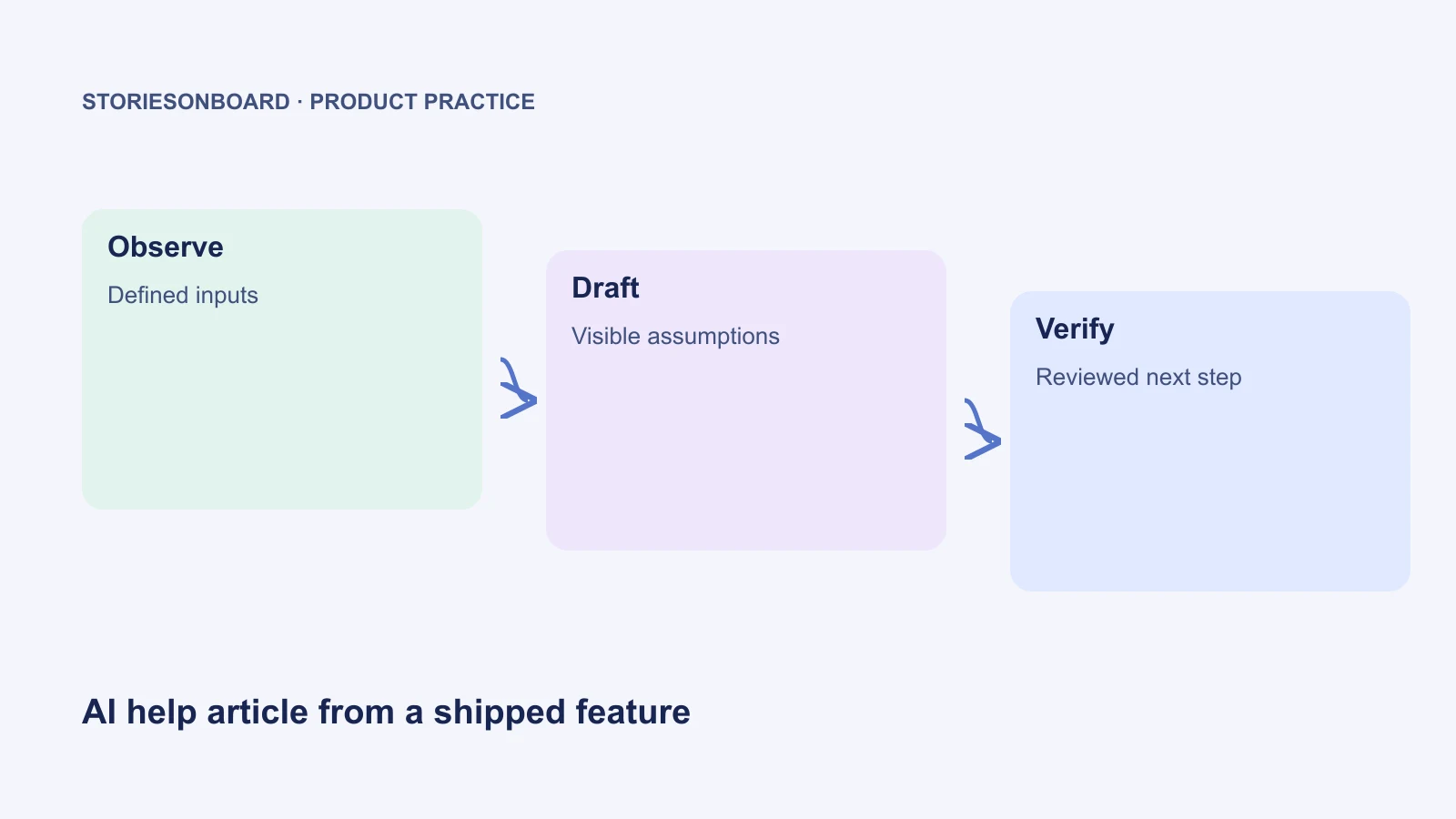
A completed development ticket is not enough evidence for a customer help article. The ticket describes what the team intended to deliver; the customer needs instructions for what their account can do today. AI can turn a shipped feature into a reviewable help article when you supply observed behavior, exact interface labels, access conditions, and known limitations.
Use AI to organize and draft that evidence. Have a reviewer follow the instructions in the relevant environment before publication. This keeps the speed of generation without allowing a feature brief to become an unsupported product promise.
The worked example below uses the fictional Northstar invitation prototype from our requirements-to-prototype guide. It is a runnable local interaction demo, not a shipped customer service. The sample deliberately documents only the behavior available in that demo.
Check availability before writing the procedure
Begin with a release record: feature name, release or build identifier, environment, available roles, rollout restrictions, and the person who can confirm those facts. A feature may be merged but disabled, enabled only for selected workspaces, or absent from an older client. Those distinctions belong in the evidence packet.
For a real invitation feature, verify at least one account that can invite and one that cannot. Check what happens after submission, how a pending invitation appears, and how recovery works. A screenshot of a button proves that the button was visible; it does not prove email delivery, server-side permission enforcement, or successful acceptance by another user.
Keep observed and unverified statements separate. “The Invitation prepared screen appeared” is an observation. “The recipient received an email” requires delivery evidence. “Only administrators can call the endpoint” requires an authorization test. The distinction is especially important when the source material includes an AI-generated prototype.
Capture a small evidence packet
Do not give the writer a directory of undated screenshots and hope it reconstructs the journey. Use a short manifest that ties each claim to an observation. The following packet continues the Northstar demo scenario; all names and addresses are fictional.
| Evidence ID | Verified demo behavior | Documentation consequence |
|---|---|---|
| D01 | The Review scenario selector offers Administrator, Expired invitation, and Member without permission. | State which actor is required before the steps. |
| D02 | The Administrator scenario lets a reviewer enter an address and choose Viewer or Editor. | Use those exact role labels; do not add an Owner option. |
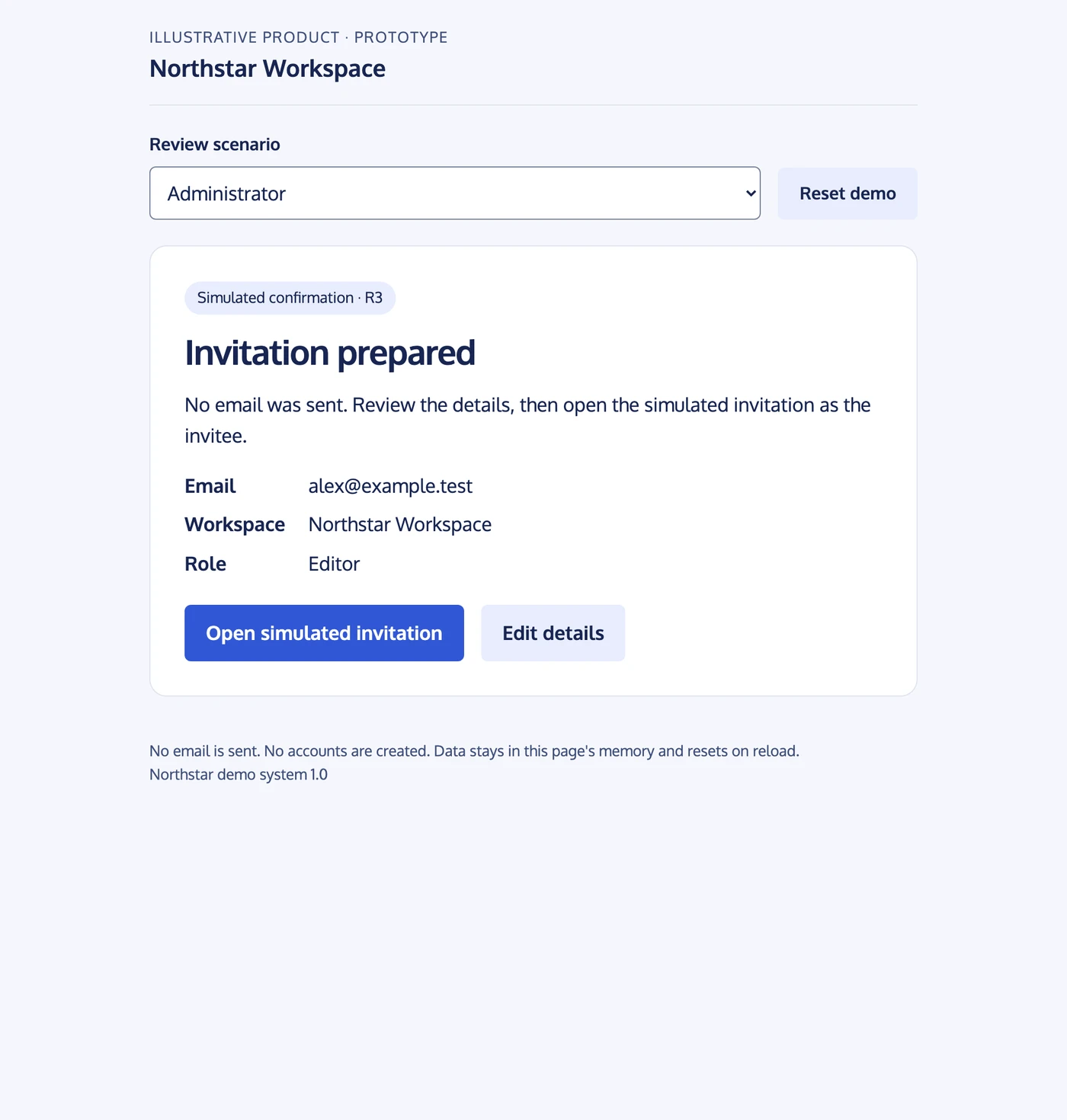
| D03 | Prepare invitation opens an Invitation prepared confirmation with the email, workspace, and role. | Describe the confirmation screen as the result, not an actual delivered email. |
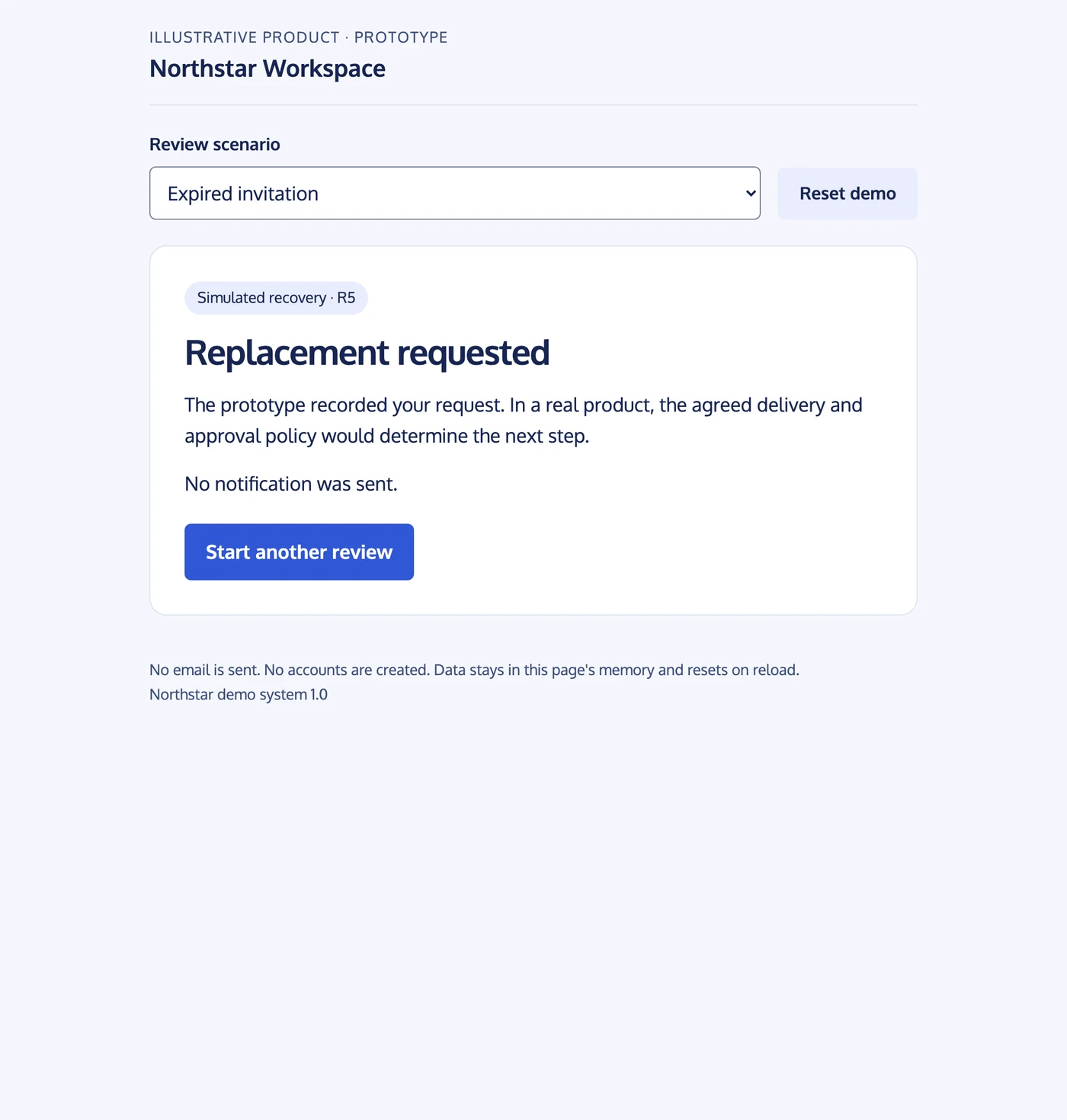
| D04 | The expired scenario uses a seven-day illustrative policy and an eight-day-old sample link. | Document Request a replacement and the simulated confirmation. |
| D05 | The page states that it is a prototype and does not send email. | Retain this limitation in the help article and screenshots. |
| D06 | Member without permission shows Ask an administrator to invite. | Explain the access prerequisite without claiming server enforcement. |
For a production packet, add the recording date, browser or client version when relevant, redacted screenshots, test-account role, exact error copy, and links to the release decision. Put unresolved questions in a separate list. In this example, delivery, real identity checks, persistence between sessions, and a real production expiry policy are outside the demo's verified scope.
A story map can provide the surrounding goal and release context. It should not override observed interface behavior. If the map and the product disagree, resolve the discrepancy before asking AI to turn either one into customer instructions.
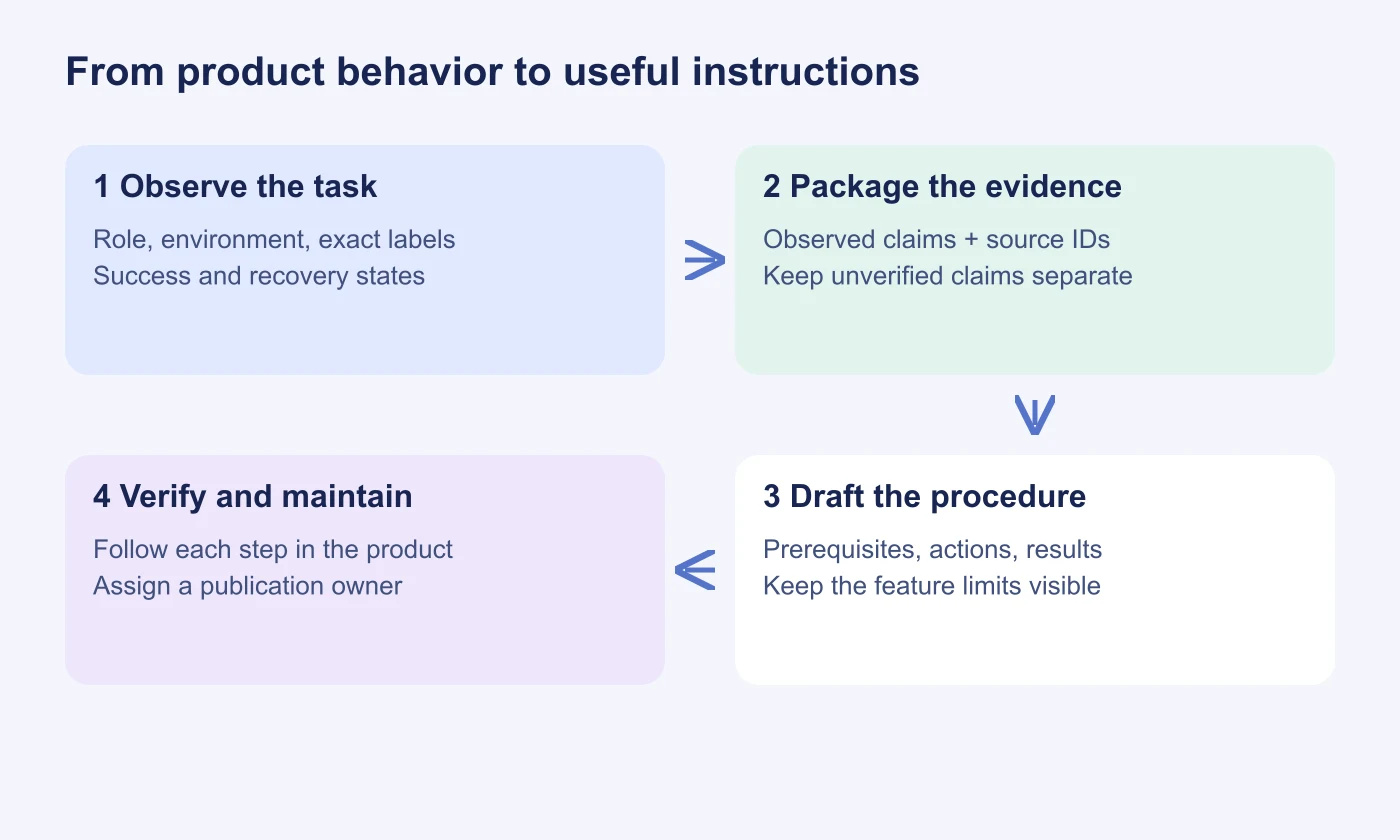
Give AI a bounded drafting task
Ask for a task-based article with prerequisites, steps, expected results, recovery, and limits. Supply the intended reader and tone. Require an evidence ID for every procedural claim in a separate review table, so the customer-facing article can remain readable.
Draft a help article for an administrator reviewing the Northstar invitation demo.
Use only evidence D01–D06 and the attached observed screen labels.
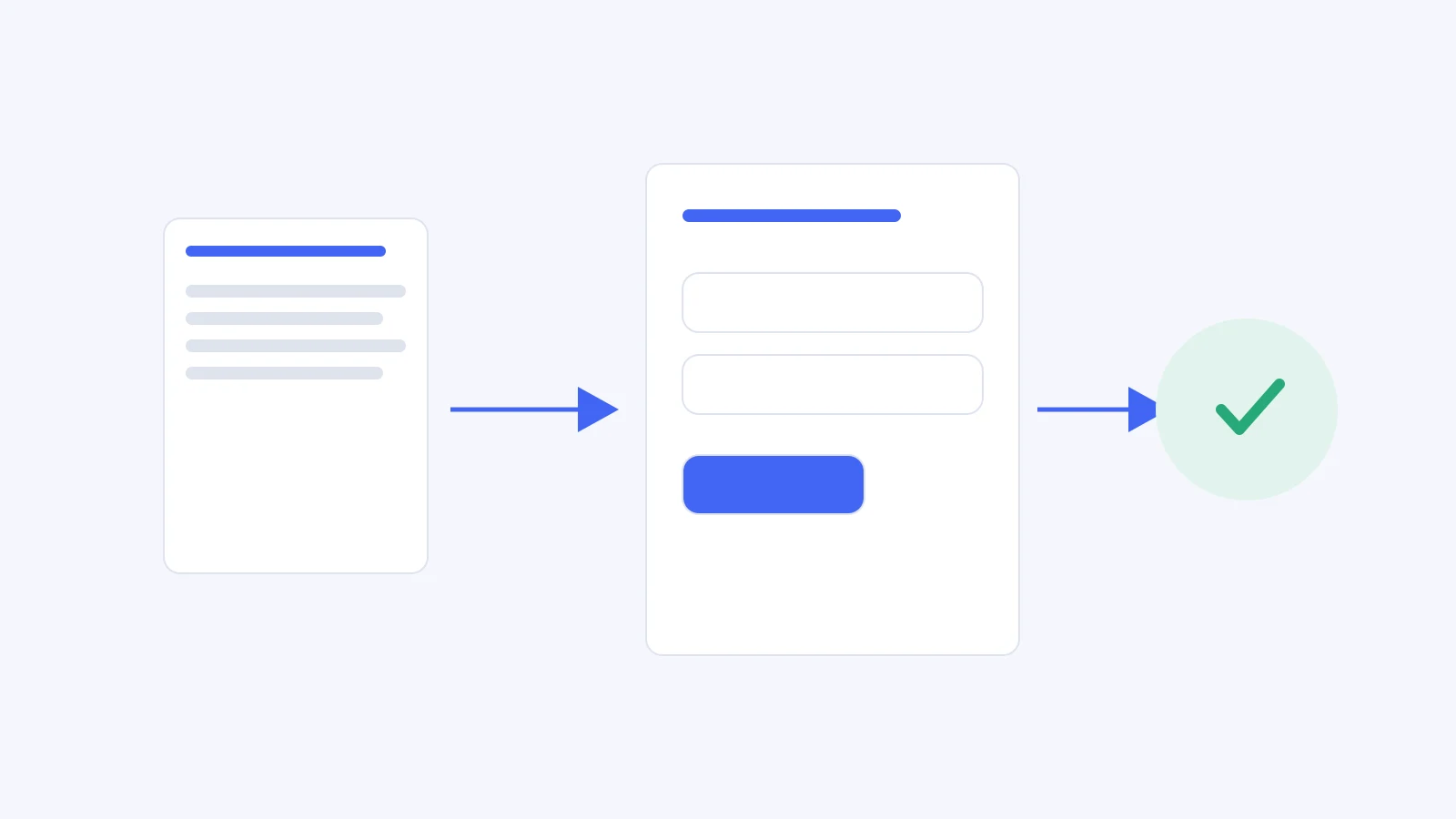
Explain how to add one invitation and recognize the Invitation prepared result.
Include prerequisites, numbered steps, recovery, and demo limitations.
Do not claim email delivery, real account creation, or server enforcement.
Do not invent a timeout, plan requirement, menu item, or support contact.
Return the customer-facing draft, then a claim-to-evidence review table.
List unresolved questions separately. Do not publish or change the product.
For a shipped feature, replace the demo boundary with the actual verified release conditions. Do not merely delete the word “demo” and reuse its claims. The purpose of the prompt is to preserve the evidence boundary, not to create a reusable shortcut around release verification.
Google's documentation style guidance for procedures recommends numbered actions with useful context and results. That is a good editorial check: each step should help the reader perform or verify an action, rather than narrating how the team designed the feature.
Sample help article: add an invitation in the Northstar demo
Purpose. Use the Northstar invitation demo to explore how an administrator prepares a single invitation and sees its pending state. The demo does not send email or create real user accounts.
Before you start. Open the invitation prototype. In Review scenario, choose Administrator. Use an example address such as alex@example.test; you do not need a real recipient. Viewer and Editor are the available invitation roles.
- In Review scenario, select Administrator.
- Enter alex@example.test in the invitation email field.
- Select Viewer or Editor according to the role you want to explore.
- Select Prepare invitation.
- On Invitation prepared, check the email, workspace, and role. To continue as the invitee, select Open simulated invitation, review the details, and select Accept invitation.
Expected result. The prototype shows Invitation prepared, then Welcome to Northstar if you complete the simulated acceptance. Neither screen confirms that an email was delivered or a real membership was created.
If you cannot invite. Check Review scenario. Member without permission demonstrates the restricted journey; select Administrator to explore invitation creation. This scenario switch is part of the prototype, not a way to gain permissions in a real product.
If the address is rejected. Check that you entered an email-shaped address. Keep the value visible while correcting it. Do not use the prototype to check whether a real mailbox exists.
If an invitation is expired. Choose Expired invitation in Review scenario. The example describes an eight-day-old link under a seven-day illustrative policy. Select Request a replacement and verify Replacement requested. No notification is sent, and this fictional timeout does not establish a StoriesOnBoard product policy.
Limitations. The demo is for reviewing the interaction. It is not a live workspace, authentication system, email service, or record of invitations sent to customers. Resetting or reloading the example returns it to its demonstration state.
Review claims and execute the instructions
The sample is intentionally more cautious than a normal shipped-feature article because its evidence is a prototype. A production article should be equally precise about its own boundaries while confidently describing what was verified.
| Review item | Evidence or test | Owner |
|---|---|---|
| Audience and access | Follow the procedure as an allowed role and check the restricted-role path. | Product owner |
| Exact actions | Match every named control and sequence to the target release. | Documentation reviewer |
| Success state | Observe the result, including downstream delivery if the article promises it. | QA or feature engineer |
| Error recovery | Exercise the documented failure and recovery without using hidden admin shortcuts. | Support reviewer |
| Unsupported claims | Resolve or remove every statement without a source in the claim table. | Product owner |
| Publication | Approve the customer wording, audience, location, and release timing. | Named publishing owner |
A reviewer should start from the article, not from memory of the feature. If they must improvise a step, record the gap. Ask support to check likely terminology and the questions customers actually ask. Ask product or engineering to confirm the behavior. These are complementary reviews; a grammatically polished draft can still describe the wrong release.
Keep screenshots focused on the action or result they explain. Redact unrelated customer data, preserve visible role or state information when it affects the procedure, and provide text instructions that work without the image. A screenshot is supporting evidence, not the only place where an important prerequisite appears.
Give the article a maintenance trigger
Attach the help article to the feature's release and decision record. Name an owner and define what should trigger review: a renamed control, changed permissions, a new recovery flow, altered availability, or repeated support confusion. A release checklist can ask whether linked help content still matches the feature.
Do not regenerate the whole knowledge base whenever one story changes. Identify the affected procedure and its evidence IDs, update those claims, and rerun the relevant checks. Preserve working instructions and established URLs unless a change is needed.
For your next completed feature, prepare the evidence packet before opening the AI drafting tool. The most useful output is a help article that a second person can follow and verify, with a clear owner for the next product change.